

Examples and figures in this article are illustrative. They are not Zoney prices, typical reseller results, margin promises or retention guarantees. Customer revenue, direct costs and payment timing depend on the actual agreement and service workload.
A customer interested in digital signage usually doesn't want to assemble the system piece by piece. They don't want to research displays, compare players, determine software compatibility, find an installer and then figure out who to call when something stops working.
They want the screen to work.
For a reseller, that creates an opportunity to sell a complete solution rather than individual components. The key is deciding what belongs in the initial project, what should generate recurring revenue and which services should remain optional.
Why Bundle Digital Signage?
Most deployments require a display, playback device, signage software, network connectivity, configuration and content. Many also require mounts, installation, cabling, training, technical support, content creation and remote management.
Bundling lets the reseller say: here's what you need, here's what it costs and we'll get it running.
Customers Buy Outcomes, Not Components
A restaurant owner isn't trying to buy one display + one mount + one player + one license + two hours of labor. The owner is trying to buy a working digital menu board. Build the package around the outcome.
Separate One-Time and Recurring Charges
One-time project cost can include displays, players, mounts, cabling, installation, initial configuration, initial content setup and training. Monthly service can include software, remote management, technical support, monitoring, content services and account administration.
Build a Standard Equipment Stack
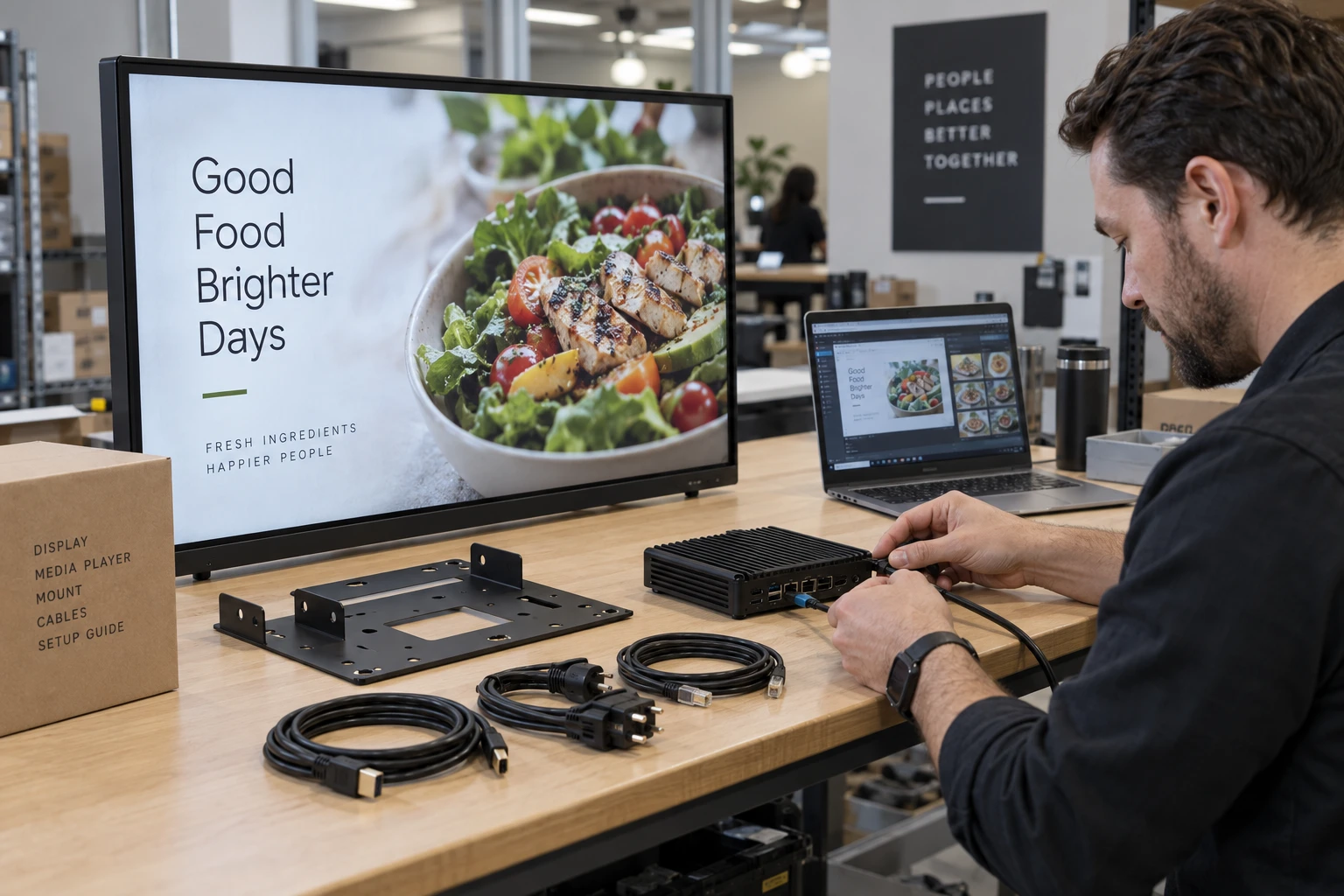
Maintain preferred commercial displays, players, mounts and cabling for common deployments. Consistency makes quoting, installation and support easier while still allowing substitutions for special projects.
Offer More Than One Display Option When Appropriate
Maintain standard, extended-use and specialty categories for different operating requirements. This gives sales flexibility without making every proposal an open-ended hardware search.
Don't Overcomplicate the Media Player
Explain the player simply: it connects the display to the signage platform and handles playback. Depending on the environment it may be Android, Windows, Linux, another compatible player or integrated into a supported display.
Hardware Flexibility Can Improve the Bundle
When compatible existing screens or players can be reused, offer options: reuse existing equipment, replace selected devices or supply a complete new system. Lower initial cost can remove an obstacle from the sale.
Decide What Installation Includes
Define mounting, player installation, connection to existing network access, cable management, configuration and playback testing. Also define exclusions such as new electrical circuits, structural modifications, specialty lifts, permits and extensive cable runs.
Use Site Surveys for Larger Projects
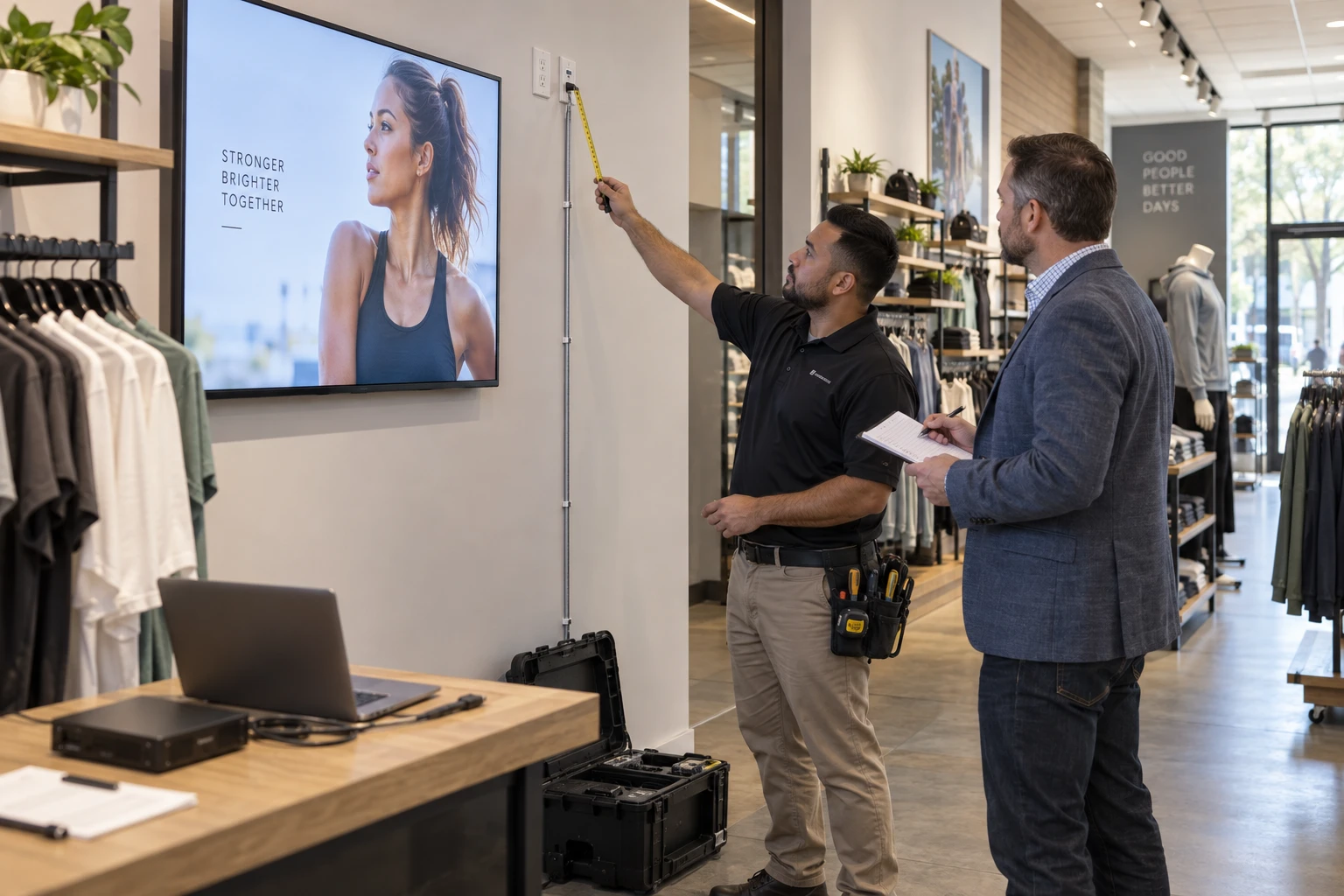
Review display locations, mounting surfaces, power, network, cable paths, screen sizes, viewing distances, installation access, lift requirements and operating hours.
Price Installation Separately Internally
Track installer labor, travel, equipment rental, contractor charges and estimated versus actual installation time. A simple customer package still needs detailed internal accounting.
Charge for Configuration
Account creation, player configuration, screen organization, user setup, content upload, scheduling, testing and training are real work. A setup or deployment fee can account for this labor even when the customer supplies hardware.
Make Training Part of the Deployment
Teach customers the tasks they will actually use: uploading content, playlists, scheduling, assigning screens, managing users and checking status.
Decide What Support Is Included
Define phone/email support, remote troubleshooting, onsite visits, hardware replacement, content changes, network troubleshooting and weekend service. Avoid an undefined "support included" promise.
Add Managed Services for Customers Who Want Them
A managed package can add remote monitoring, content assistance, account administration and priority support. The customer gets a hands-off experience; the reseller creates additional recurring revenue.
Before promising monthly work, define post-installation responsibilities.
Decide Who Owns the Hardware
Customer-owned hardware creates a larger initial invoice and a clear transfer of ownership. Including hardware in a service agreement can lower the upfront customer charge but leaves the reseller funding equipment before all service payments have arrived.
If the reseller offers a lease or financed arrangement through its own business or a separate provider, define ownership during and after the term, cancellation charges, equipment recovery, replacement duties, warranty handling and responsibility for damage. Model the effect of early cancellation before offering a low monthly payment. These are the reseller's commercial decisions; this article does not describe financing, leasing or replacement services supplied by Zoney.

Create Three Easy-to-Understand Packages
Software Package
Software, initial configuration, training and standard remote support for customers with compatible hardware.
Complete Signage Package
Display, player, mount, installation, configuration, software, training and standard support.
Managed Signage Package
Everything in Complete plus remote monitoring, content assistance, account administration, priority support and scheduled reviews.
Don't Make the Cheapest Package Useless
Every tier should solve a legitimate customer problem. Higher tiers should cost more because the reseller provides more value and labor, not because the entry tier is intentionally crippled.
Use Add-Ons for Less Common Requirements
Custom design, video production, extra training, onsite service, after-hours installation, specialty mounts, touchscreens, custom integrations and content migration can remain add-ons.
Don't Give Away Content Work
Define limits such as a set number of updates or hours. Separate routine content changes from custom design and production.
Consider Per-Screen and Per-Account Pricing
Software may price per screen, account management per customer/location, content by package, installation by project and hardware by item. Different cost drivers deserve different pricing units.
For the detailed calculations, work through service pricing.
Protect Your Margin When Hardware Prices Change
Use proposal expiration dates, verify pricing and availability before signature and allow equivalent substitutions when a specified model becomes unavailable.
Collect Money Before Ordering Hardware
A practical structure can collect hardware/project deposit at acceptance, remaining project balance at installation and begin monthly service after activation.
Make Multi-Location Expansion Easy
If a customer expands, the reseller should already know the standard hardware, installation requirements, software pricing, service pricing, deployment procedure and content structure.
Use the Customer's Existing Resources Where They Fit
A customer may have compatible displays, an internal creative team or its own installers. Allow sensible substitutions without losing a repeatable process. Record who supplies each item, who checks compatibility, who approves content and who accepts installation work. Adjust the scope and price to reflect work your team will actually provide.

Create a Standard Proposal Template
Include customer objective, recommended solution, hardware, installation scope, software/services, one-time investment, monthly service, optional services, deployment timeline and payment terms.
Review the Package After Every Few Deployments
Review hardware margin, installation time, support demand, service uptake, package popularity and content workload. Adjust using actual operating data.
Use the Bundle to Build Recurring Revenue
Hardware and installation create project revenue. Software establishes the recurring connection. Support, management and content can increase monthly account value.
Zoney as the Software Layer Behind the Package
Zoney provides a software layer partners can combine with their own hardware, installation, support and content services. Check hardware compatibility and platform requirements before including them in the proposal. The reseller or its chosen contractors deliver installation and any equipment services; no Zoney financing, leasing, replacement or installation service is being offered here.
Use the finished package to build a repeatable selling and delivery model.
Discuss Your Service Model
Start a free trial to review the platform, or talk with Zoney about your customer requirements.