

Examples and figures in this article are illustrative. They are not Zoney prices, typical reseller results, margin promises or retention guarantees. Customer revenue, direct costs and payment timing depend on the actual agreement and service workload.
Digital signage can be much more than another product to install.
For resellers, integrators, MSPs, sign companies and technology providers, it can become a recurring service business built around software, hardware, installation, content management and ongoing customer support.
The difference comes down to how the business is structured.
A company that treats every digital signage deployment as an individual project may spend much of its time quoting hardware, configuring devices and chasing the next installation. A company that develops a repeatable digital signage offering can apply a consistent process across its customer base while providing ongoing services to active accounts.
That requires more than choosing screens and media players. You need a business model that can scale.
Start With the Business Model, Not the Screen
It is easy to think about digital signage as hardware because the display is the part customers see. The reseller's business opportunity is much larger.
A typical deployment can include digital signage software, media players, commercial displays, installation, system configuration, content creation, content management, training, technical support, network management, equipment replacement and ongoing account management.
Some of these generate revenue once. Others can generate revenue every month.
A reseller could make money installing ten screens for a customer. Once installation is complete, that project revenue ends. Software licensing, content management and support can add recurring revenue while the customer remains active and the services continue to provide value.
That is one of the biggest distinctions between selling digital signage projects and building a digital signage business.
Step 1: Decide Who You Want to Sell To
Trying to sell digital signage to every type of organization makes the sales process harder. Restaurants have different requirements than healthcare offices. A gym operator may care about class schedules and promotions, while a manufacturing company may want dashboards and employee communications.
Possible markets include restaurants, retailers, fitness centers, medical offices, corporate offices, auto dealerships, schools, property management companies, hospitality businesses, manufacturing facilities and professional services businesses.
Your existing customer base may provide the easiest starting point. An MSP serving medical offices, for example, already has customer relationships, technical access and knowledge of those businesses. Adding waiting-room displays, employee communication screens or promotional signage becomes an extension of an existing relationship rather than an entirely new sale.
Before spending heavily on new customer acquisition, look at the customers you already have.
Next, focus on converting an SMB opportunity into a clear proposal.
Step 2: Sell a Solution Instead of Individual Components
Customers generally aren't shopping for a media player, CMS and mounting bracket independently. They want something accomplished.
A restaurant might want menu boards employees can update without redesigning signs. A retailer may want promotions changed across five stores from one account. A corporate customer may need internal announcements displayed across several offices.
Instead of quoting display + player + software + installation, offer a managed digital signage package for the customer's locations. The underlying equipment may be identical, but the customer sees a business solution rather than a collection of technology components.
Packaging also makes proposals easier to understand and easier for your sales team to repeat.
Before quoting equipment, scope a complete deployment bundle.
Step 3: Build Recurring Revenue Into Every Account
Project revenue matters. Recurring revenue changes the value of the business.
A reseller can potentially generate monthly revenue from software, device management, content management, technical support, managed services, content updates, monitoring, reporting and equipment coverage.
Consider a reseller with 100 active customers, each producing an illustrative $100 monthly contribution after direct service costs. That is $10,000 in monthly recurring contribution, or $120,000 over 12 months if customer count, fees and costs remain unchanged. These dollar amounts are contribution before other business expenses, not a margin percentage or a retention forecast.
Hardware can help acquire the customer. Recurring services can help build the business.
To track the account base, compare project revenue with recurring account performance.
Step 4: Separate Hardware Margin From Software Margin
Hardware and software play different financial roles. Displays, mounts and media players can provide immediate revenue, but hardware is usually transactional. Software creates an ongoing relationship.
A simple revenue map:
-
Display — one-time
-
Media player — one-time
-
Mount — one-time
-
Installation — one-time
-
Configuration — one-time
-
Software — recurring
-
Support — recurring
-
Content management — recurring
-
Device management — recurring
Looking at these separately makes pricing decisions easier and prevents the reseller from competing aggressively on hardware while overlooking the recurring account that follows installation.
Use the component comparison to compare hardware and software economics.
Step 5: Create Standard Service Packages
Custom proposals can become expensive to sell and difficult to support. Standard packages make the business easier to operate.
A software package might include software, customer account, device management, software updates and basic support.
A managed signage package might add a media player, remote support, training and basic content assistance.
A fully managed package might include software, hardware, installation, content management, monitoring, support and scheduled content updates.
The names and inclusions can vary. The point is standardization: sales knows what to sell, operations knows what to deliver, and the customer knows what is included.
Package design starts when you define ongoing service responsibilities.
Make Account Setup Consistent
One of the easiest mistakes to make is treating every signage deployment as a completely different project. Customer A gets one combination of hardware and software. Customer B gets another. Customer C receives a custom support arrangement. Pricing changes from proposal to proposal.
That approach can work when the business has five customers. It becomes difficult when it has 50 or 500.
Scalability comes from repeatability. A reseller should establish a standard technology stack and a small number of service packages that can handle most customer requirements.
A standard deployment might include a commercial display, compatible media player, digital signage software, initial system configuration, remote support and customer training. Additional services can then be added when required.
The objective isn't to eliminate customization. It's to avoid rebuilding the business model every time a new customer signs.
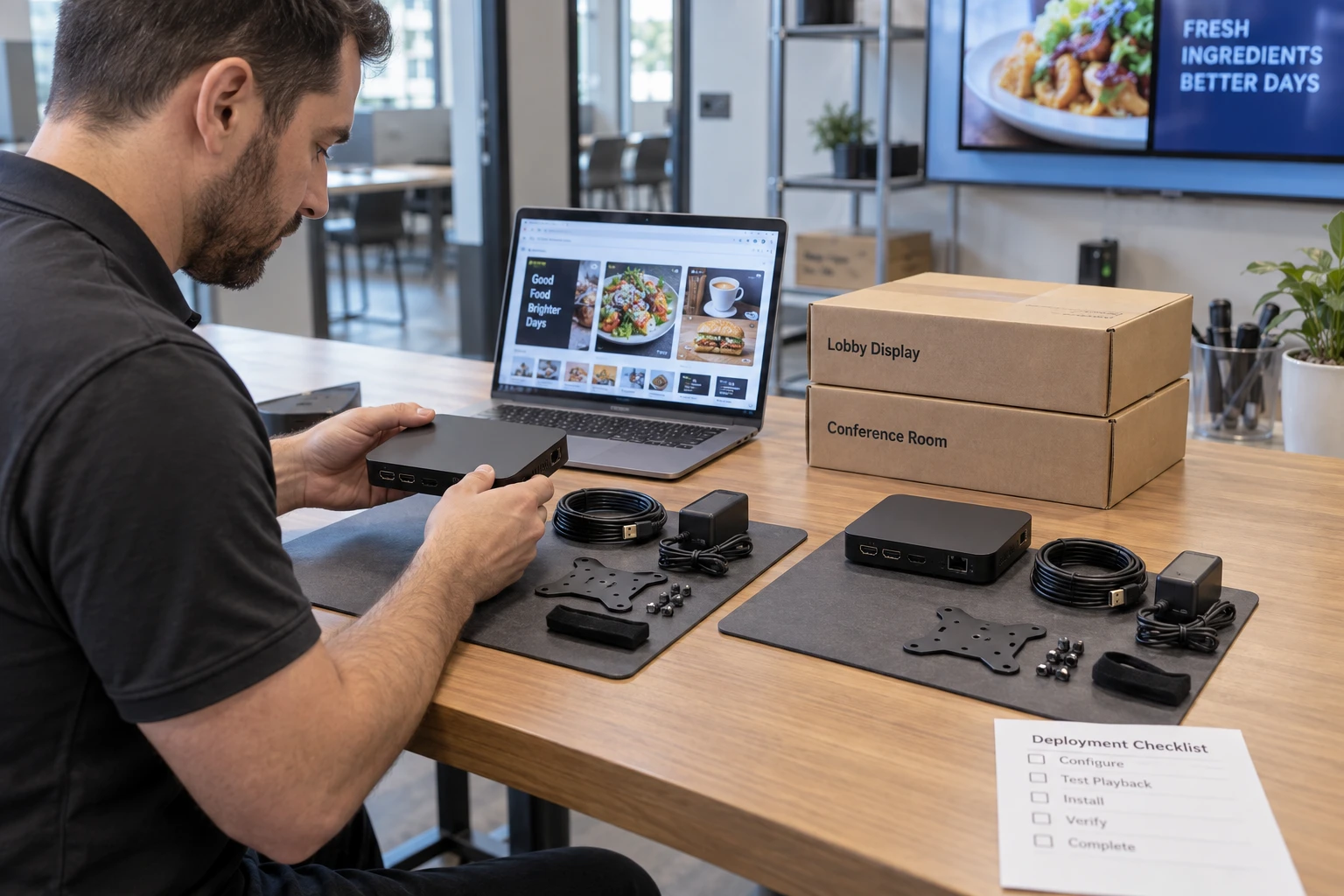
Step 6: Standardize Deployment
Selling more systems creates a new problem: you have to install them.
Document a standard deployment process covering customer account creation, user permissions, hardware selection, media-player configuration, display configuration, network connection, screen naming, content setup, customer training and support handoff.
Create templates wherever possible. Repeatability reduces labor per installation and makes employee training easier.
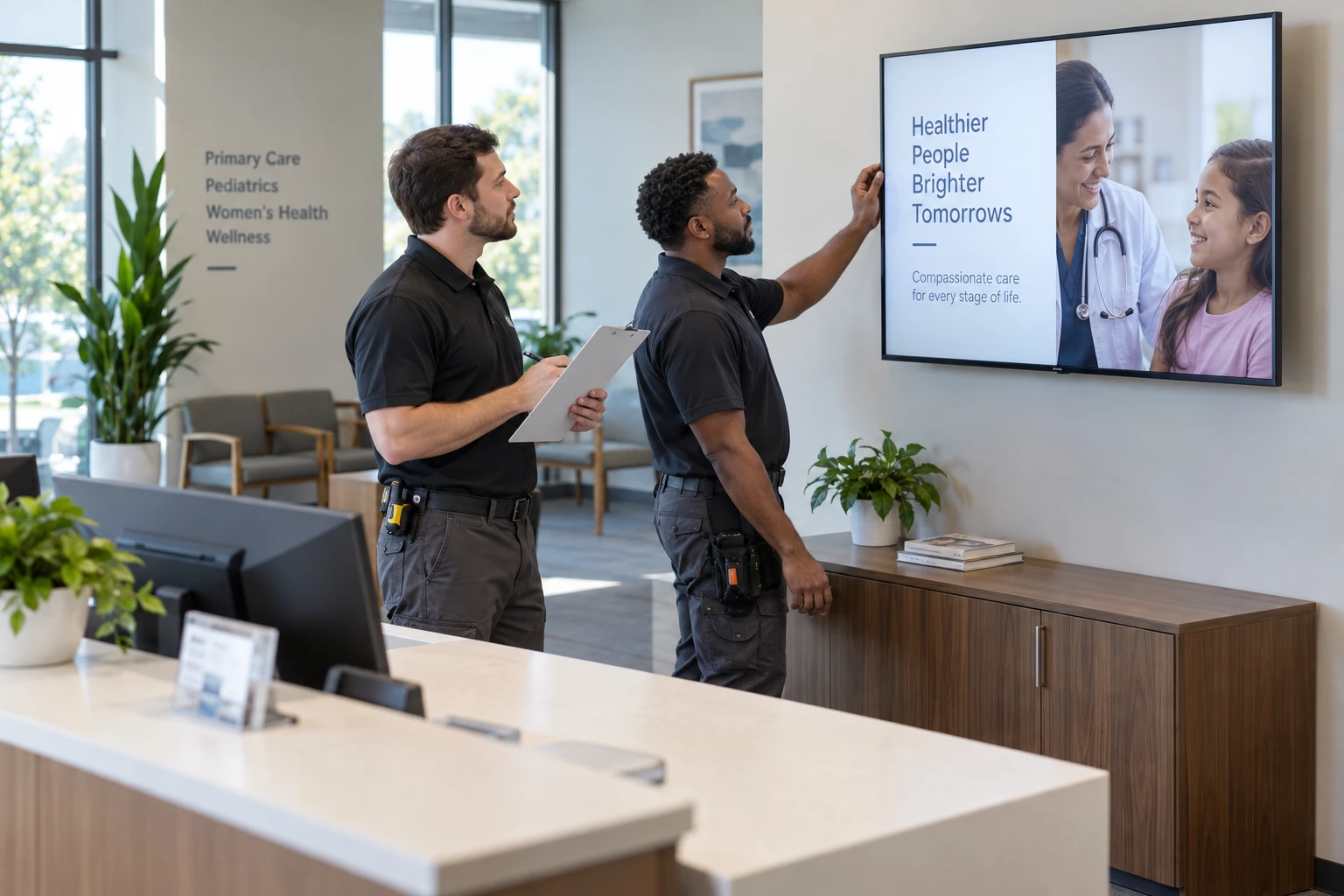
Step 7: Choose Software Designed for Multi-Customer Management
Managing ten customer accounts manually may be tolerable. Managing hundreds is different.
A reseller-oriented platform should make it practical to manage customers, users, devices and permissions without maintaining separate systems for every account.
Look for centralized account administration, multiple-customer management, user permissions, device management, remote access, scheduling, templates, customer-level controls, hardware flexibility, account provisioning, scalable billing and brand flexibility.
Zoney provides a software layer that partners can combine with their hardware, installation and services. Evaluate the account structure, access controls, device compatibility and support arrangements against your actual customer requirements before choosing a deployment model.
Use a real customer scenario to evaluate a technology partnership with Zoney.
Step 8: Make Customer Management Part of the Scaling Plan
Growth is not just about selling more accounts. Those accounts must be supported.
Define who creates customer accounts, manages user access, handles billing changes, monitors devices, handles first-level support, manages escalations, handles content requests and owns the customer relationship.
Automation and centralized management become more valuable as account volume grows.
Before adding more accounts, document the daily customer-management workflow.
Keep Support Work From Growing With Every Account
Automation and standardization can reduce support burden. Use repeatable hardware configurations, documented installation procedures, customer training materials and centralized management tools.
Proper network testing, consistent player configuration and clear customer training can reduce avoidable support requests.

Step 9: Build an Upsell Path
A one-screen customer does not have to remain a one-screen customer. A customer may start with a lobby screen and later add departments, menu boards, employee communication screens, waiting-room displays, promotional screens or additional locations.
The first installation establishes the relationship. Future installations can be easier because the customer already knows the software, service and reseller.

Step 10: Measure the Metrics That Matter
Track monthly recurring revenue, recurring gross margin, customer acquisition cost, average revenue per customer, screens per customer, retention, installation labor and support volume.
A rapidly growing reseller with poor margins and heavy support requirements may be building workload faster than business value.
Scaling Without Building Your Own Platform
Developing a signage CMS can involve device management, hosting, security, user administration, software updates, hardware compatibility, content delivery, application development and technical support.
For most resellers, the technology is infrastructure. The customer relationship is the business.
Using an established platform lets the reseller concentrate resources on selling, customer acquisition, installation, account management, content services, support and market expansion.
If the company is still at the entry stage, start with the guide to starting a digital signage business.
Build a Business That Gets Easier to Repeat
A scalable reseller business should not require reinventing the service every time a new customer signs.
The sales process, packages, installations, billing and support become repeatable. The platform handles more customers without requiring the reseller to rebuild its technology stack.
That is where digital signage becomes more than another AV or IT project. It becomes a service business with an installed customer base, ongoing relationships and recurring revenue.
Discuss Your Service Model
Start a free trial to review the platform, or talk with Zoney about your customer requirements.