

The checklist below describes capabilities to evaluate across providers. It is not a claim that every listed function is included in Zoney or in every plan.
Service examples describe possible reseller offerings, not services supplied by Zoney. Program rights, fees and support responsibilities depend on the agreed terms.
Digital signage software built for one business is not necessarily well suited to a company selling digital signage to dozens or hundreds of businesses.
A reseller needs to manage independent customer accounts while also thinking about permissions, hardware, support, billing, security, and expansion.
1. Multi-Customer Account Management
Look for a logical hierarchy that separates customers, locations, users, screens, content, permissions, billing, and devices while giving reseller administrators centralized visibility.
Ask to see how the platform manages 50 independent customers, not simply 50 screens for one company.
For the account-design detail, review customer and location architecture.

2. Granular User Permissions
Corporate administrators, regional managers, location managers, customer employees, and reseller staff may all need different access.
Useful controls can operate by customer, location, screen, content, feature, user role, and administrative function.

3. Feature-Level Security Controls
Account access and feature access are different.
A user who uploads content may not need device configuration or account settings. Feature-level controls let the reseller create more precise customer experiences and service packages.
4. Flexible Hardware Support
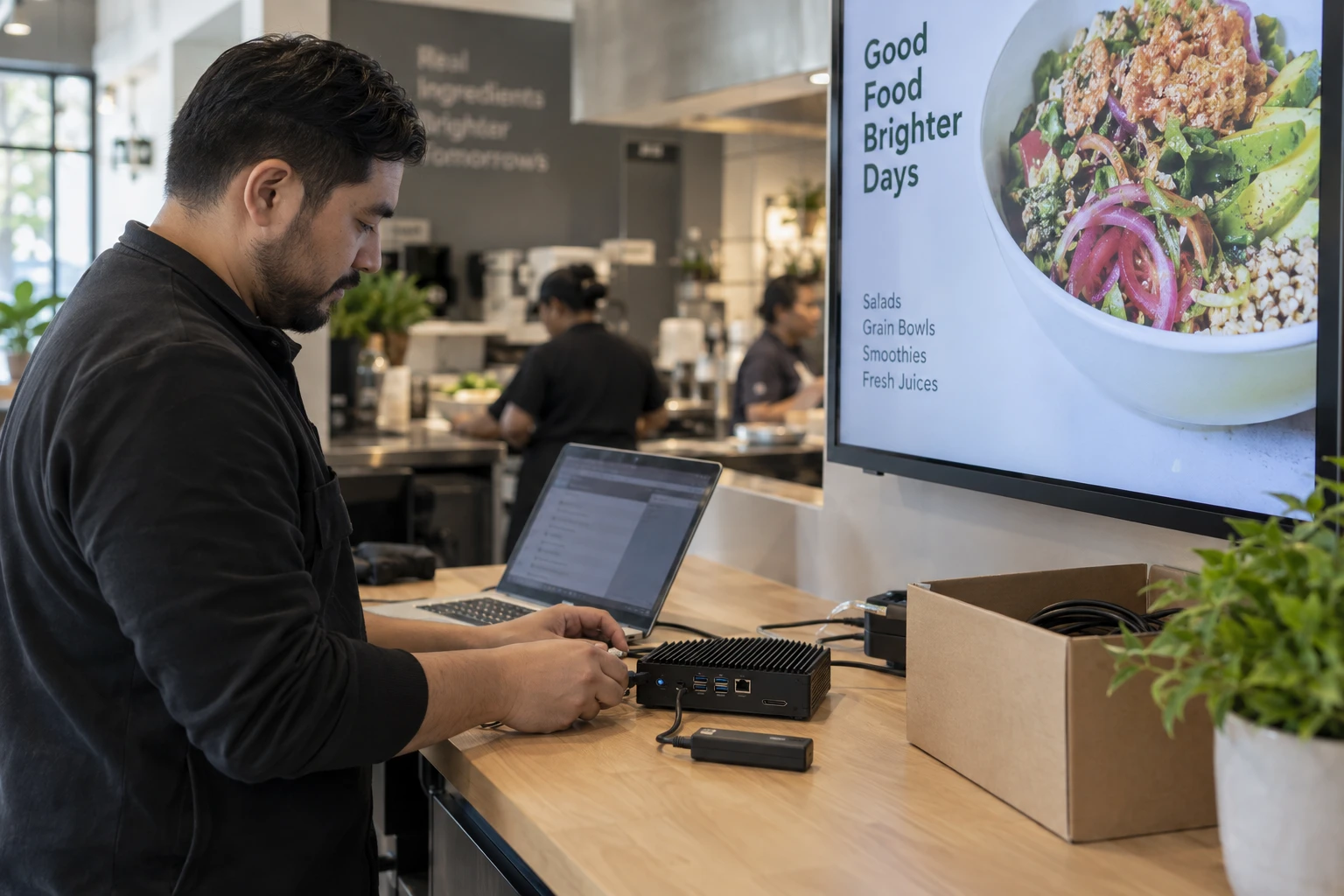
Understand whether the platform requires proprietary players or supports multiple hardware platforms and operating systems.
Flexibility can help when customers already own compatible equipment, projects require different performance levels, or the reseller has preferred hardware.
5. Remote Device Management
Useful capabilities can include device status, last connection, remote updates, configuration, content status, restart options, and diagnostics.
Remote management directly affects the cost of supporting geographically distributed networks.
6. Flexible Billing and License Management
Look at how the platform handles adding and removing licenses, monthly changes, customer growth, cancellations, billing periods, and license reassignment.
7. Multi-Zone Screen Layouts
Multi-zone layouts let one screen show several content types at once, such as video, promotions, weather, news, social content, tickers, and business data.
This increases the number of applications a reseller can deliver from one platform.
8. Broad Content and Application Support
Customers may request websites, weather, news, social media, calendars, documents, dashboards, streaming content, business data, menus, and internal communications.
Broad content support can also help expand existing accounts.
9. Scheduling and Dayparting
Look for start and end dates, times, days of week, recurring schedules, and controls across different locations and screens.
10. Multi-Location Management
The platform should support centralized corporate content while allowing appropriate local variation.
Small customers can grow, so multi-location structure matters even when the first deployment is modest.
11. Scalable Content Organization
Folders, tags, playlists, templates, search, screen groups, location groups, and reusable layouts become increasingly valuable as content libraries grow.
12. Cloud Infrastructure and Security
Understand hosting, authentication, player connectivity, user controls, software updates, access restrictions, and customer account separation.
Larger customers may ask these questions during IT review.
Additional Capabilities Worth Examining
White-label options, templates, apps and integrations, a user-friendly customer interface, reporting, and device visibility can also affect the reseller's service model.
Why Requirements Change With Scale
With five screens, almost anything can be managed manually. With 500, small inefficiencies in account creation, billing, permissions, device management, and support multiply.
Evaluate software based on the business you want to build.
Before prioritizing features, connect software selection to the reseller model.
Test the Platform With a Real Reseller Scenario
Model a small restaurant, a regional retailer, and a larger enterprise. Ask the provider to demonstrate account creation, locations, screens, users, permissions, content deployment, device status, expansion, license removal, and switching between customer accounts.
Consider the Customer's Experience
If customers will use the platform directly, test basic tasks with someone unfamiliar with the software. Every confusing step can become a future support call.
Consider Your Support Team's Experience
Technical staff need to move between accounts, identify devices, review configurations, and troubleshoot efficiently. Include them in the evaluation.
Alongside the product demonstration, plan customer operating procedures.

Avoid Choosing Software From a Feature Count Alone
A reseller benefits most from features that improve sellability, manageability, scalability, or profitability.
Match the Software to Your Service Model
Self-service customers place more weight on ease of use and training. Fully managed accounts place more weight on centralized administration, remote management, content organization, and monitoring.
Digital Signage Reseller Software From Zoney
Zoney is designed for businesses providing digital signage to their own customers and supports multi-customer and multi-location use. Granular users/access, security tokens and dynamic monthly billing are enterprise capabilities. The platform uses AWS-hosted cloud infrastructure and follows hardware-flexible positioning. Confirm plan availability and the exact deployment requirements before promising a workflow to a customer.
Supported technology includes Android, Windows, Linux, Raspberry Pi, WebOS, Tizen, Apple TV and Amazon Digital Signage Stick. Check the exact device, operating-system version and workload before selecting equipment.
The platform operates using AWS-hosted cloud infrastructure and can support deployments ranging from individual customer installations to larger multi-location networks.
Choose software for customer 100, not just customer one. Look beyond playlists and screen layouts to customer organization, permissions, controls, hardware, billing, remote management, content organization, infrastructure, and scalability.
Discuss Your Customer Requirements
Start a free trial to evaluate the platform, or contact the Zoney team to discuss your proposed customer deployment.