

Managing locations within one company is different from managing unrelated customers. A provider needs a clear structure for accounts, sites, screens and access before routine additions turn into administrative confusion.
Why Multi-Customer Management Is Different
A provider with 40 customers, five locations per customer, and six screens per location is managing 1,200 screens. Add users, content, players, schedules, and support requests and the problem becomes network operations rather than simple screen playback.
Create a Clear Hierarchy
A practical structure is Provider to Customer to Location to Screen or Player. The software should represent this hierarchy so administrators do not depend on spreadsheets or memory.
Use the software-selection guide to test whether a platform supports this structure.

Separate Customer Environments
Each customer should have its own locations, displays, players, users, content, schedules, and access rights while authorized provider staff can work across accounts.
Use Locations and Screen Groups
Multi-location customers need corporate and local content. Screen groups can distribute content by role or geography without editing hundreds of devices individually.
Build Permissions Around Responsibilities
Provider administrators, support staff, corporate marketers, regional managers, local managers, and agencies need different access. Zoney Enterprise includes granular user access. Partners can give customer and location users access while retaining administrative access. Security tokens provide finer control beneath feature permissions, such as restricting a particular zone or content field. These tokens do not expire and are not API keys.

Choose the Content-Service Model
Customers may manage their own content, pay the provider to manage it, or use a hybrid model. A flexible access structure lets the provider offer all three.
For the practical process, plan shared and local content responsibilities.
Centralize Remote Management
Remote content changes, schedules, user administration, screen assignments, and device checks can expand a provider's service area while reducing unnecessary site visits.

Standardize Names and Deployments
Create naming conventions before the network gets large. Use repeatable account templates, screen roles, hardware configurations, user permissions, and onboarding procedures.
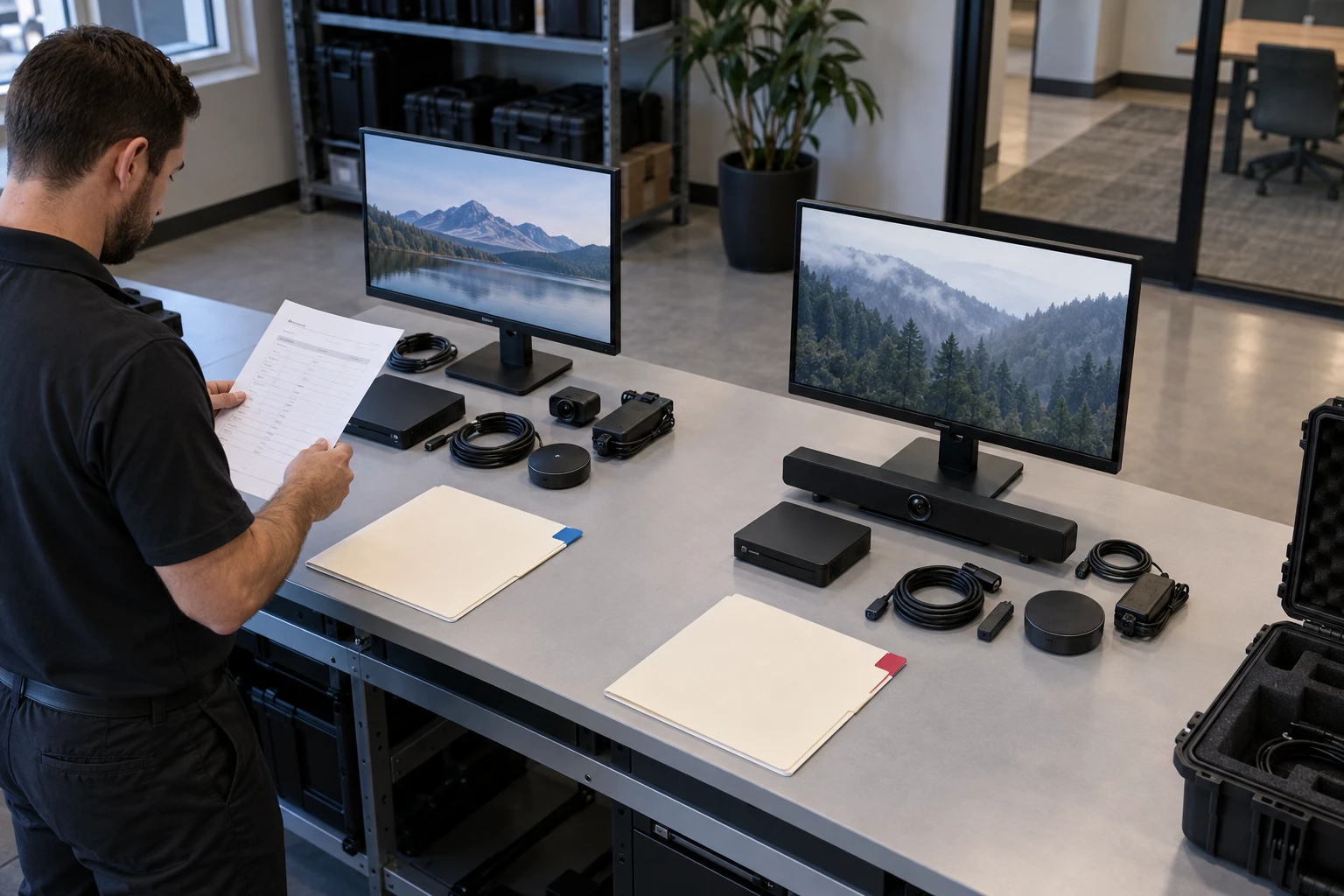
Plan for Customer and Provider Growth
New locations should fit into the existing customer structure. Provider growth should rely on documented processes rather than one employee knowing every account.
For the routine work after setup, see daily reseller operating procedures.
Billing and Documentation
Recurring services may include software, screens, hardware, installation, content, monitoring, support, and creative work. Zoney enterprise dynamic monthly billing is prorated based on when credits are added or removed during the billing period. This is Zoney account billing, separate from the services you bill to your customers. Maintain operational documentation for contacts, locations, hardware, access, support, and billing.
Security and Scale
As the number of customers grows, account separation, permissions, employee access, device authorization, and offboarding need stronger processes.
Zoney Enterprise
Zoney Enterprise combines centralized cloud management, granular users, security-token capabilities, dynamic monthly billing, hardware flexibility, and AWS-hosted infrastructure for businesses managing signage as a service. Schedule a call with Zoney to discuss multi-customer management.