
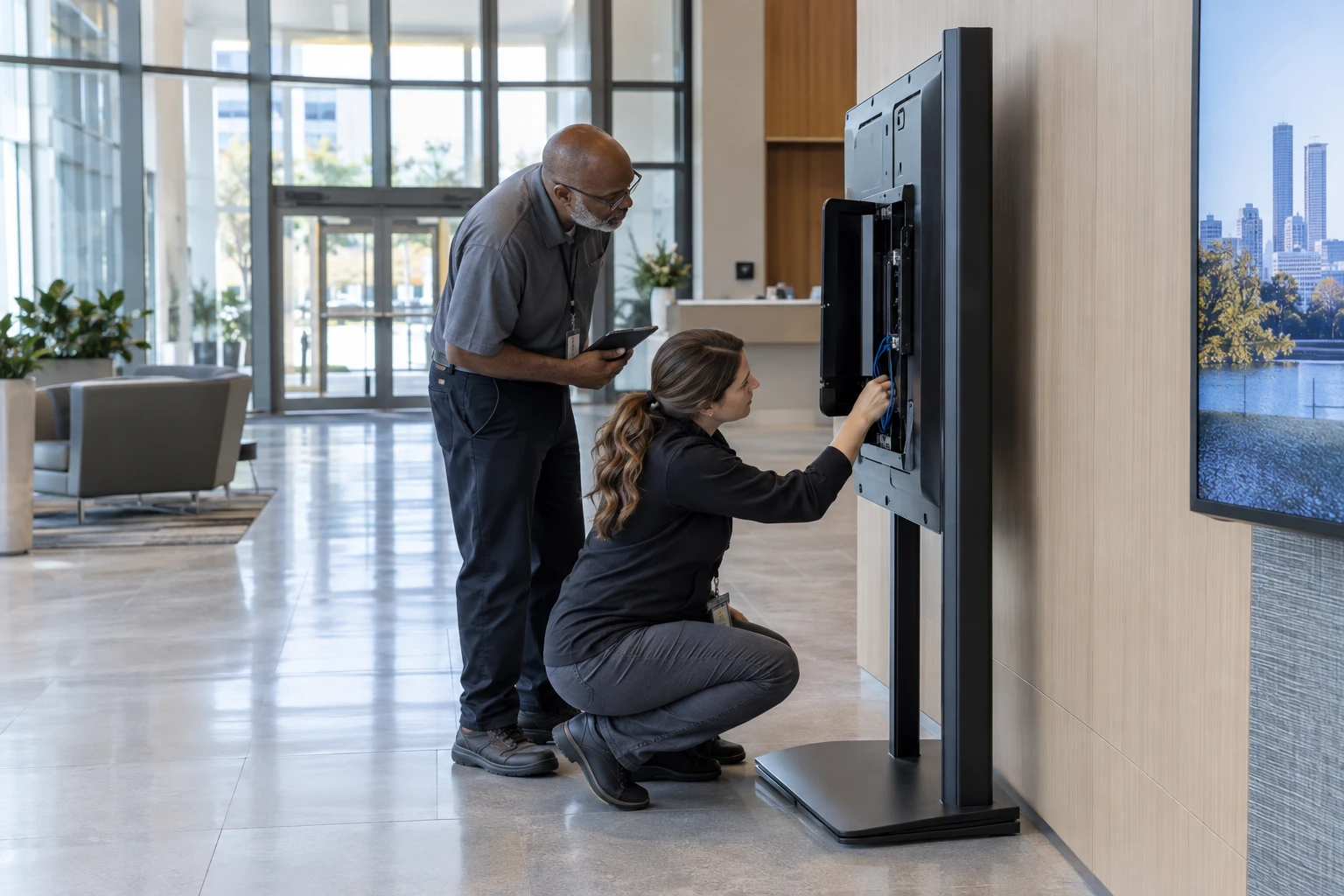
A public display is only one part of the signage security picture. User accounts, content sources, player placement and customer networks all create responsibilities that the integrator and platform provider need to understand.
Security Covers the Whole System
A connected signage system can include users, CMS software, cloud infrastructure, customer networks, media players, displays, applications, websites, and external data. Security depends on the relationships between these components.
Include these questions in the broader software-selection guide.
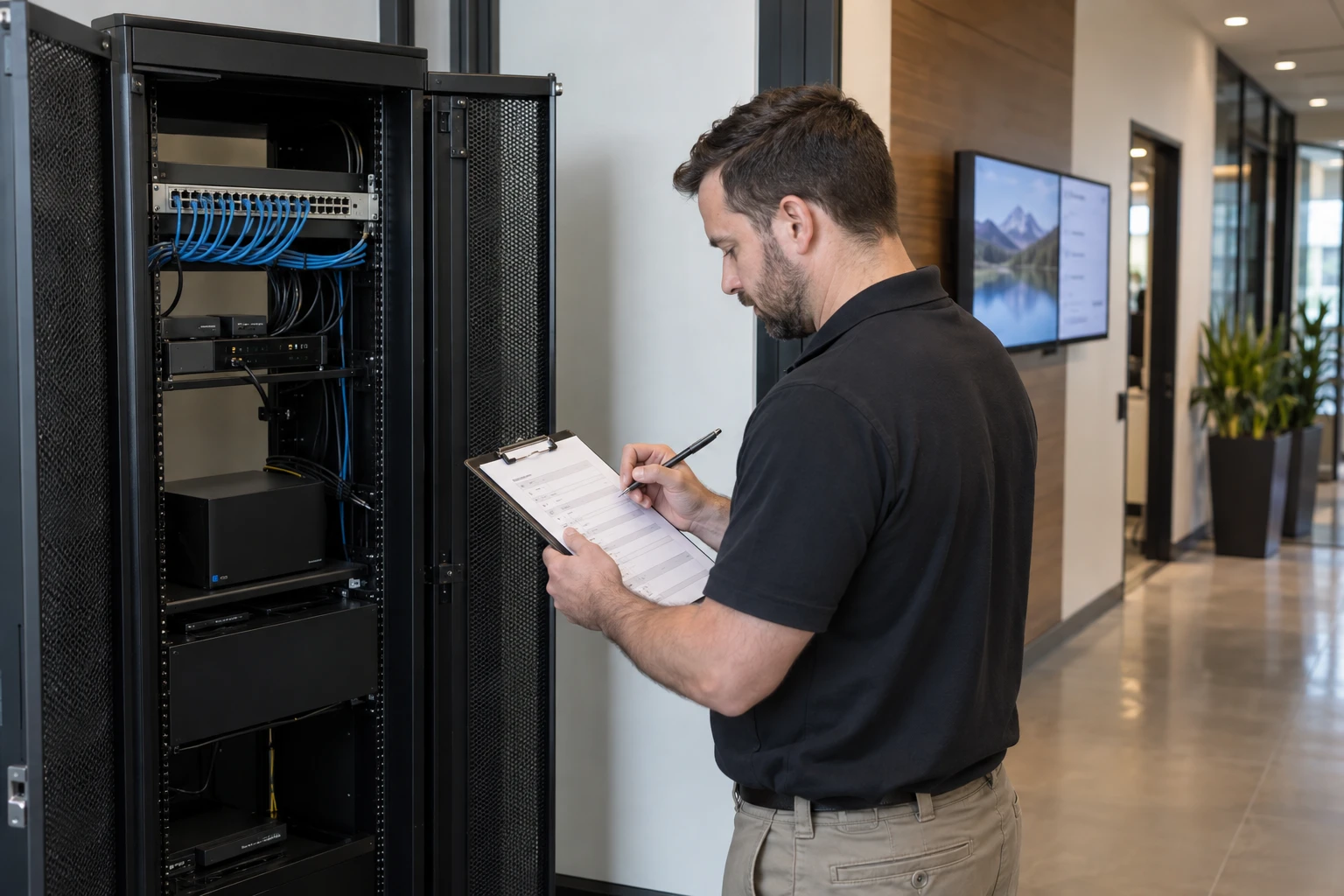
Individual Accounts and Least Privilege
Each person should have an identifiable account. Give users the access required for their role and no more. Shared credentials make access harder to manage when responsibilities change.
Granular Permissions
A reseller may manage many unrelated customers. Platform administrators, technicians, corporate users, regional managers, local managers, and agencies should receive access that matches their responsibilities. Zoney Enterprise includes granular user access. Partners can give customer and location users access while retaining administrative access. Security tokens provide finer control beneath feature permissions, such as restricting a particular zone or content field. These tokens do not expire and are not API keys.

Administrator and Offboarding Practices
Limit broad administrative access. Remove or change access when employees, customer users, or contractors leave or change roles. Periodic access reviews can reduce stale accounts.
Customer and Device Separation
Customer environments should be logically separated. Media players also need authorization so the platform recognizes which devices may connect and what they may access.
Physical and Network Security
Player placement, mounting, cables, ports, power, and public accessibility matter. Customer IT teams may require Ethernet, Wi-Fi rules, VLANs, firewall policies, or other network controls.
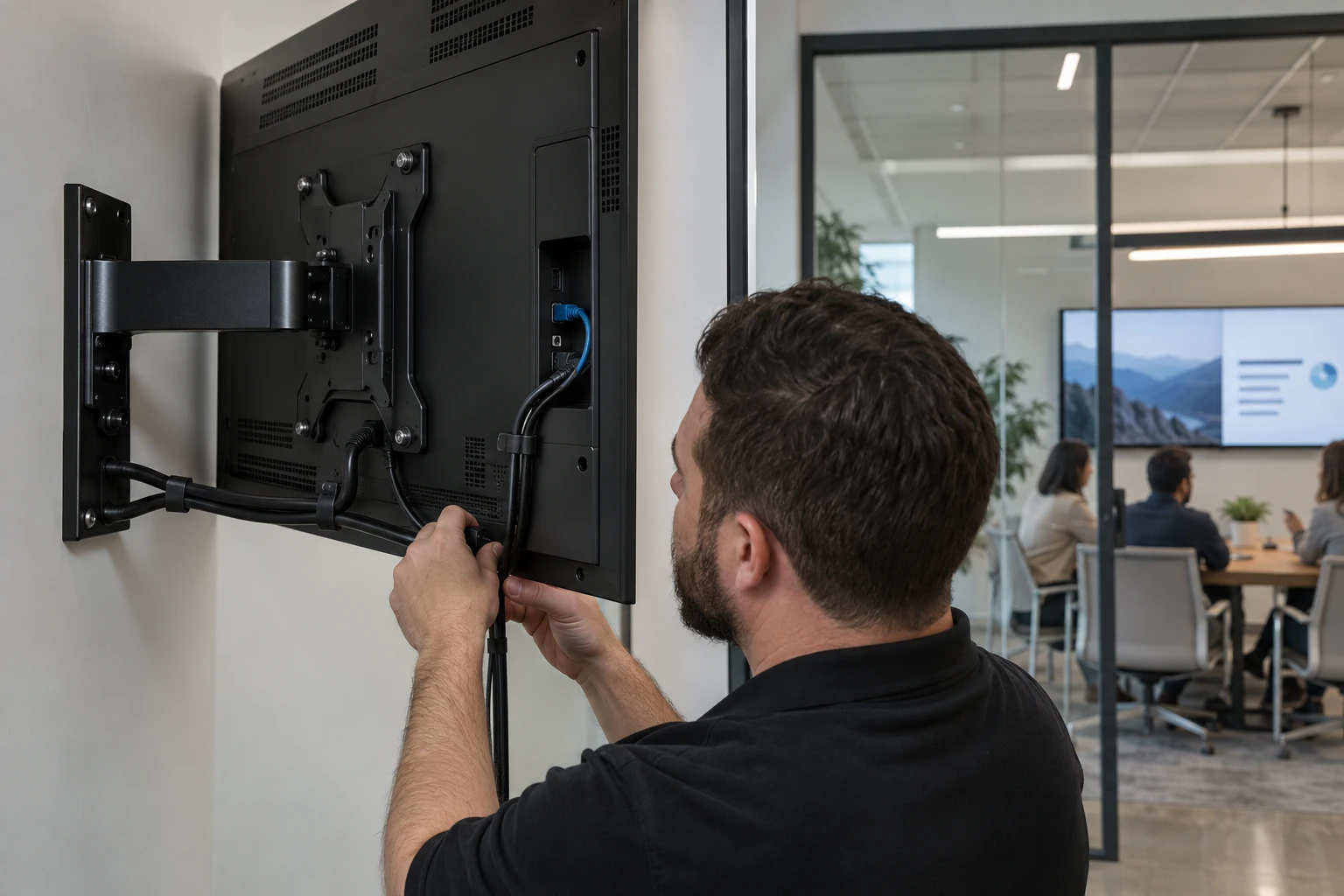
Reduce Unneeded Exposure
Avoid leaving unnecessary remote services, file sharing, administrative interfaces, or unused applications active on signage devices.
Updates and Hardware Lifecycle
Operating systems, browsers, player applications, firmware, and dependencies change. Providers need an update and replacement process for devices expected to remain installed for years.

External Content
Websites, dashboards, social feeds, calendars, third-party data, and applications add dependencies. Understand the source and access requirements before displaying them.
Cloud Infrastructure
Ask where the platform is hosted, how accounts are separated, how software is maintained, and how responsibilities are divided. Zoney uses AWS-hosted cloud infrastructure. Hosting is only one layer of the security model.
Shared Responsibility
The platform provider, reseller, and customer each control different parts of the system. The software can provide controls, while the reseller still has to configure accounts and devices properly and the customer controls its own users, networks, and locations.
Repeatable Security Process
Create standard onboarding, permissions, device authorization, network, physical installation, documentation, update, and offboarding procedures rather than inventing a new process for every customer.
Zoney Enterprise
Zoney Enterprise provides centralized cloud management, granular users, security-token capabilities, flexible hardware support, and AWS-hosted infrastructure. Schedule a call with Zoney to discuss platform requirements for a secure, scalable signage service.