
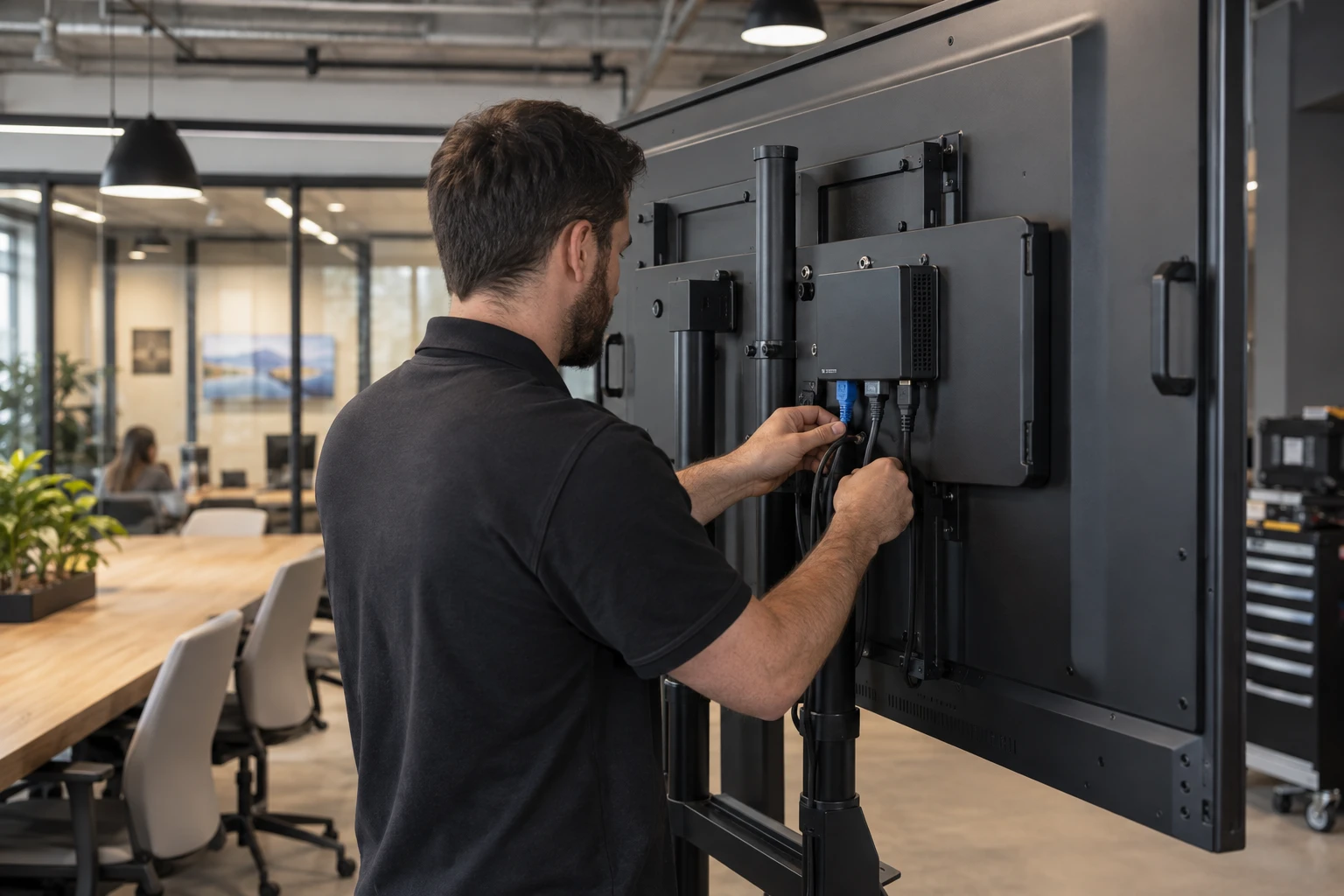
The screen shows the content, but a media player does the computing behind playback. That processing may sit in a separate box or inside the display; the right choice depends on content, installation and support needs.
What a Media Player Does
A digital signage media player is the computing component that receives content and instructions from signage software and outputs that content to a display. It may download and store media, follow schedules, render layouts, run applications, display web content, communicate with the cloud platform, and report device status. The basic architecture is CMS to media player to display.
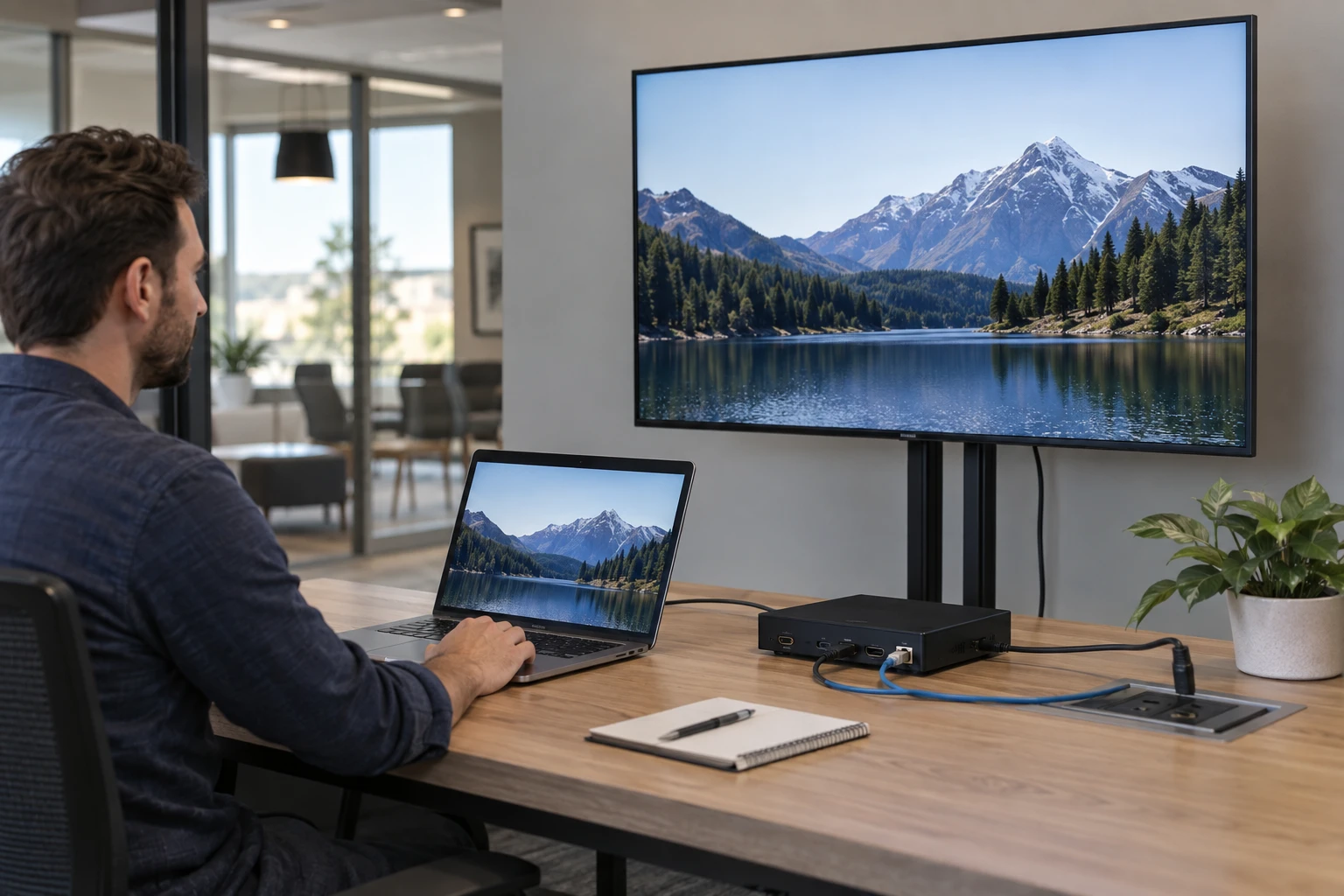
External Player or Built-In Processing
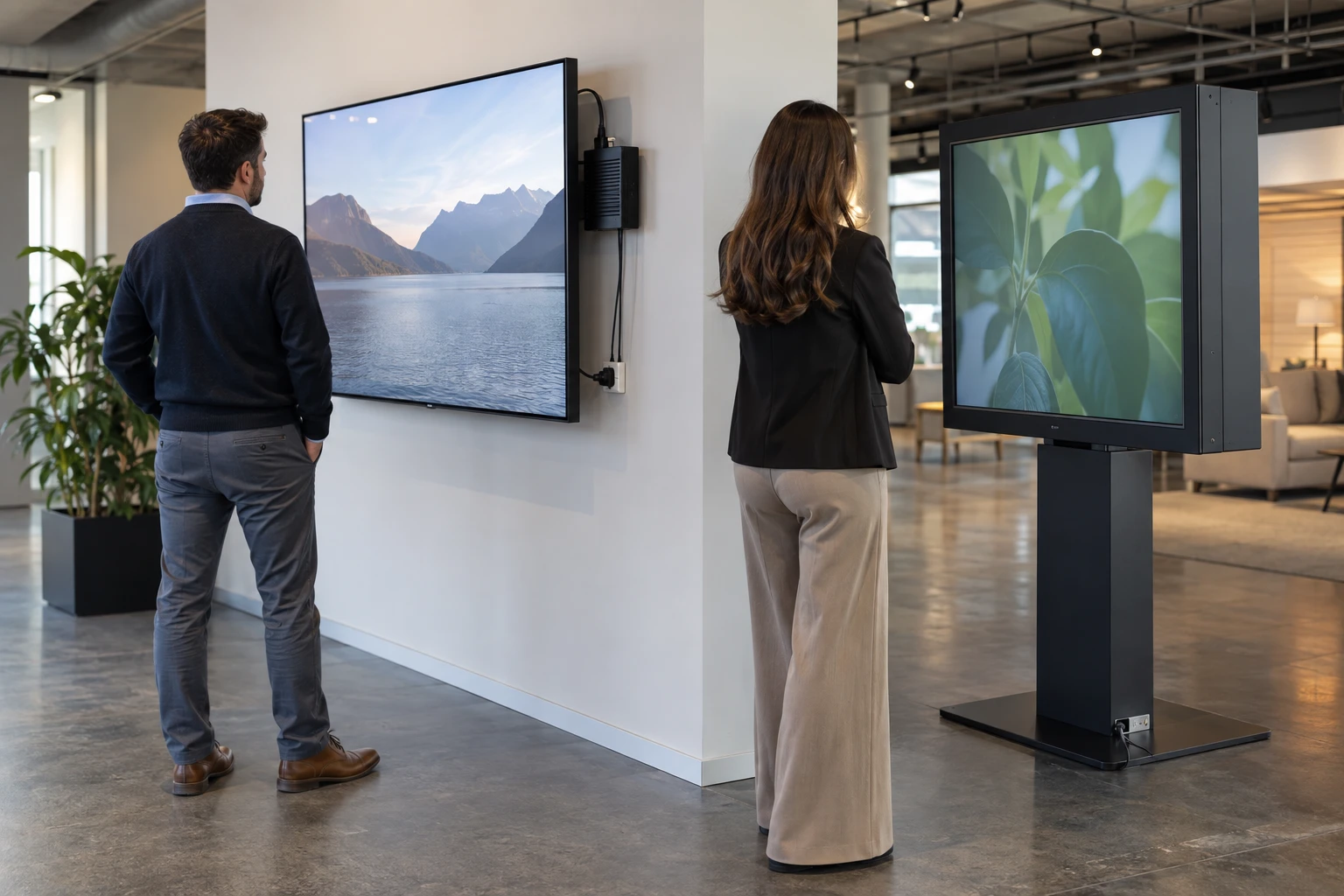
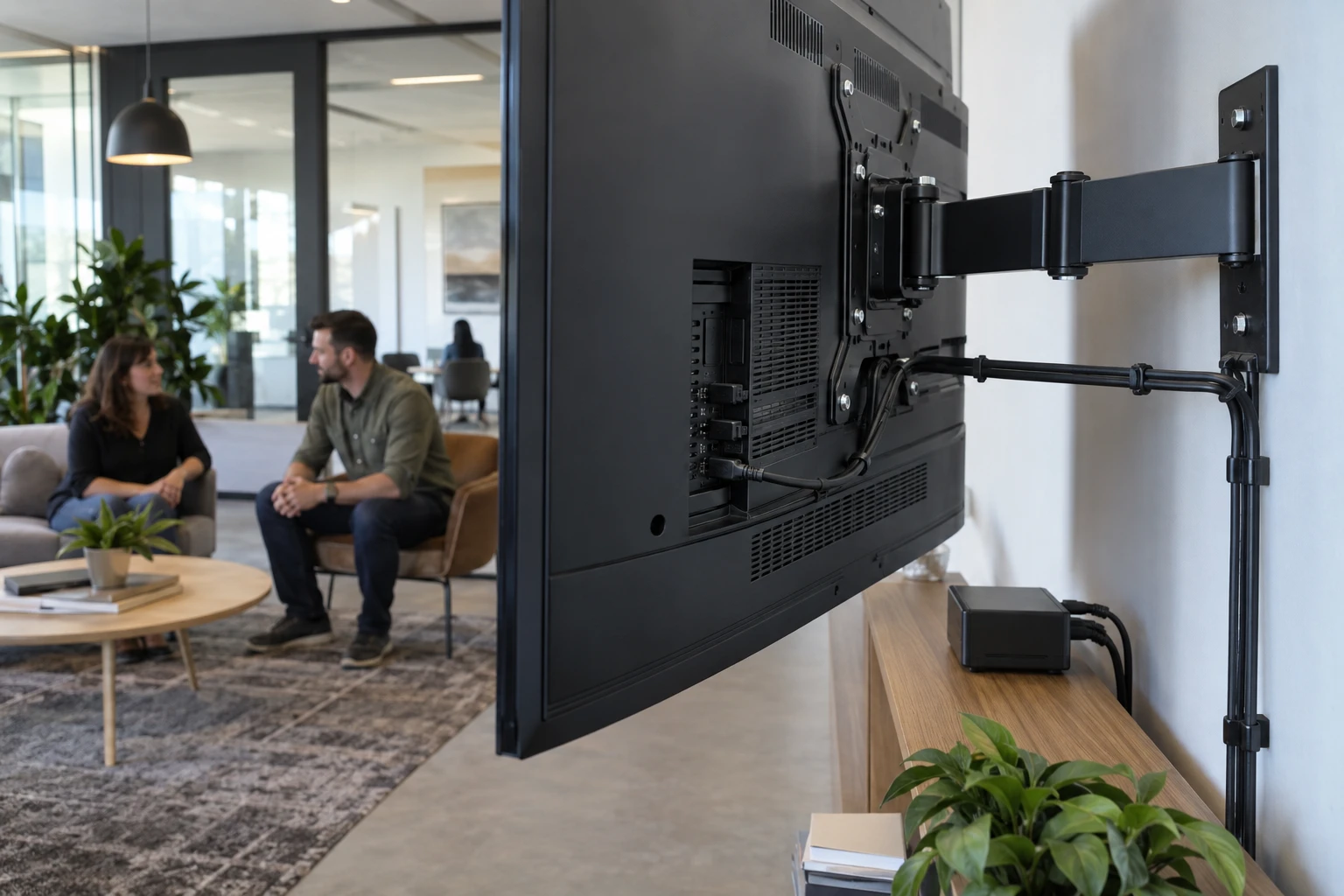
An external player is a separate device connected to the display. A system-on-chip commercial display runs compatible signage software using processing built into the screen. External players offer independent replacement and broad hardware choices. Built-in processing can reduce components and cabling.
Android Players
Android players cover a wide range of prices and performance levels. They can fit menu boards, retail screens, corporate messaging, promotional displays, and many general signage workloads. Commercial device quality, firmware, storage, networking, thermal design, and lifecycle matter.
Windows Players
Windows mini PCs can fit complex layouts, high-resolution media, specialized applications, web content, and organizations with established Windows IT practices. They may cost more and require more operating-system administration than a basic appliance-style player.
Linux and Raspberry Pi
Linux can provide a lightweight and configurable player environment. Raspberry Pi devices can fit selected workloads where compact hardware and project economics align. In both cases, the provider should match the device to the actual content and support model.
System-on-Chip Displays
Commercial smart displays using environments such as Tizen or webOS can remove the external player from supported deployments. The tradeoff is that the computing platform is tied more closely to the display lifecycle.
Match Processing to Content
Static images and simple playlists need less computing power than multiple video zones, complex web applications, high-resolution media, dashboards, or interactive experiences. Select hardware based on the real workload and leave reasonable performance headroom.
Storage, Network, and Physical Installation
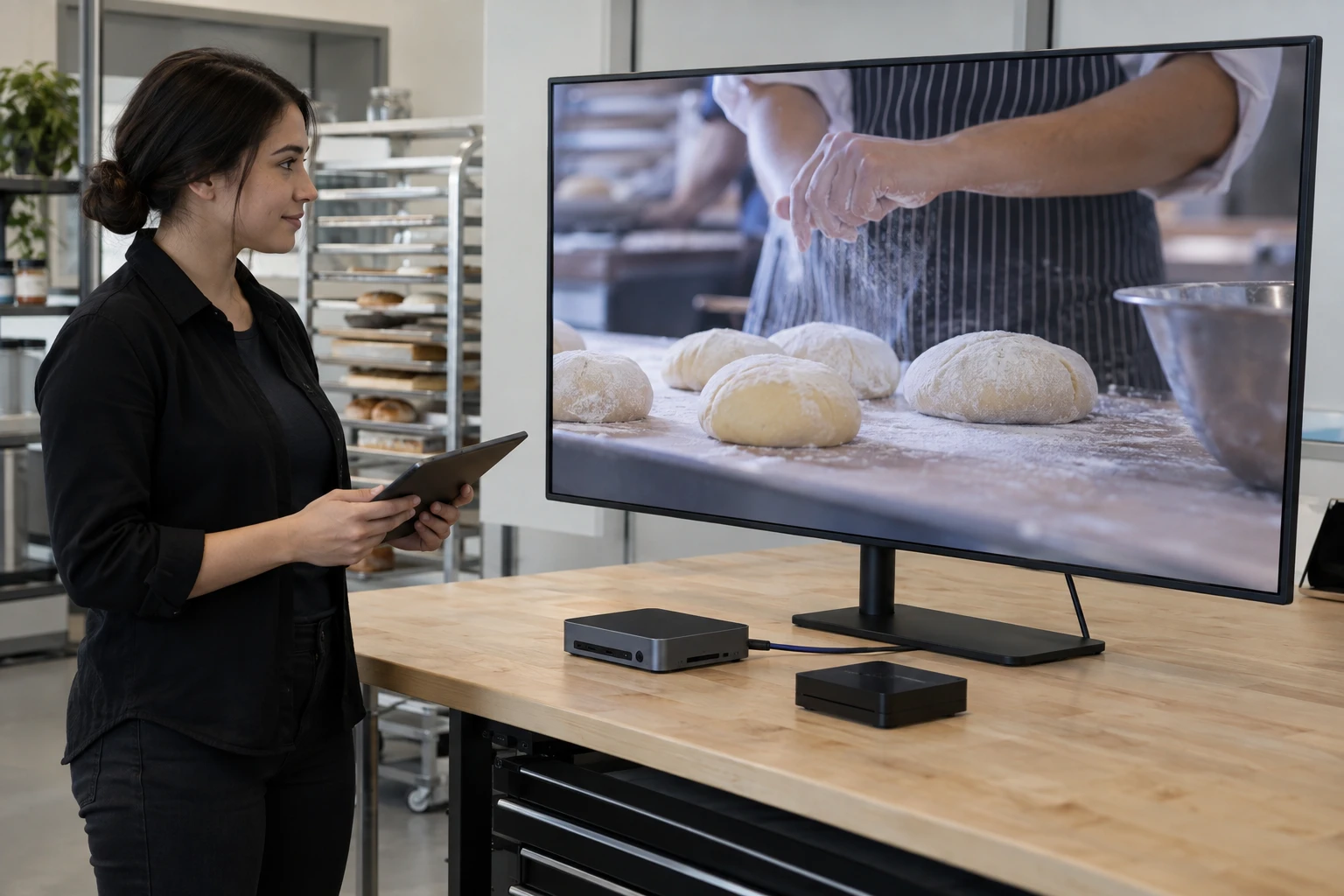
Local storage can support cached content. Network design affects updates and remote management. Physical dimensions, power, heat, ventilation, mounting, and accessibility matter when a player is installed behind a display, in a rack, or inside a kiosk.
Remote Management and Replacement
For resellers, a player should be evaluated by the support burden it creates. Remote visibility can reduce site visits. Replacement should also be planned before failure: ask whether another compatible model can be provisioned without redesigning the installation.
Create Preferred Player Standards
Many integrators benefit from a small approved lineup: a standard player, a performance player, and an integrated-display option. This keeps support repeatable while preserving flexibility for projects that need something different.
Use the software-selection guide to check platform fit.
Review the operating-system comparison before choosing a standard.
Zoney Player Strategy
Zoney supports multiple compatible environments including Android, Windows, Linux, Raspberry Pi, WebOS, Tizen, Apple TV and Amazon Digital Signage Stick. Integrators can evaluate compatible existing equipment or preferred devices; confirm models and versions with Zoney. Schedule a call with Zoney to discuss media-player options for your business.