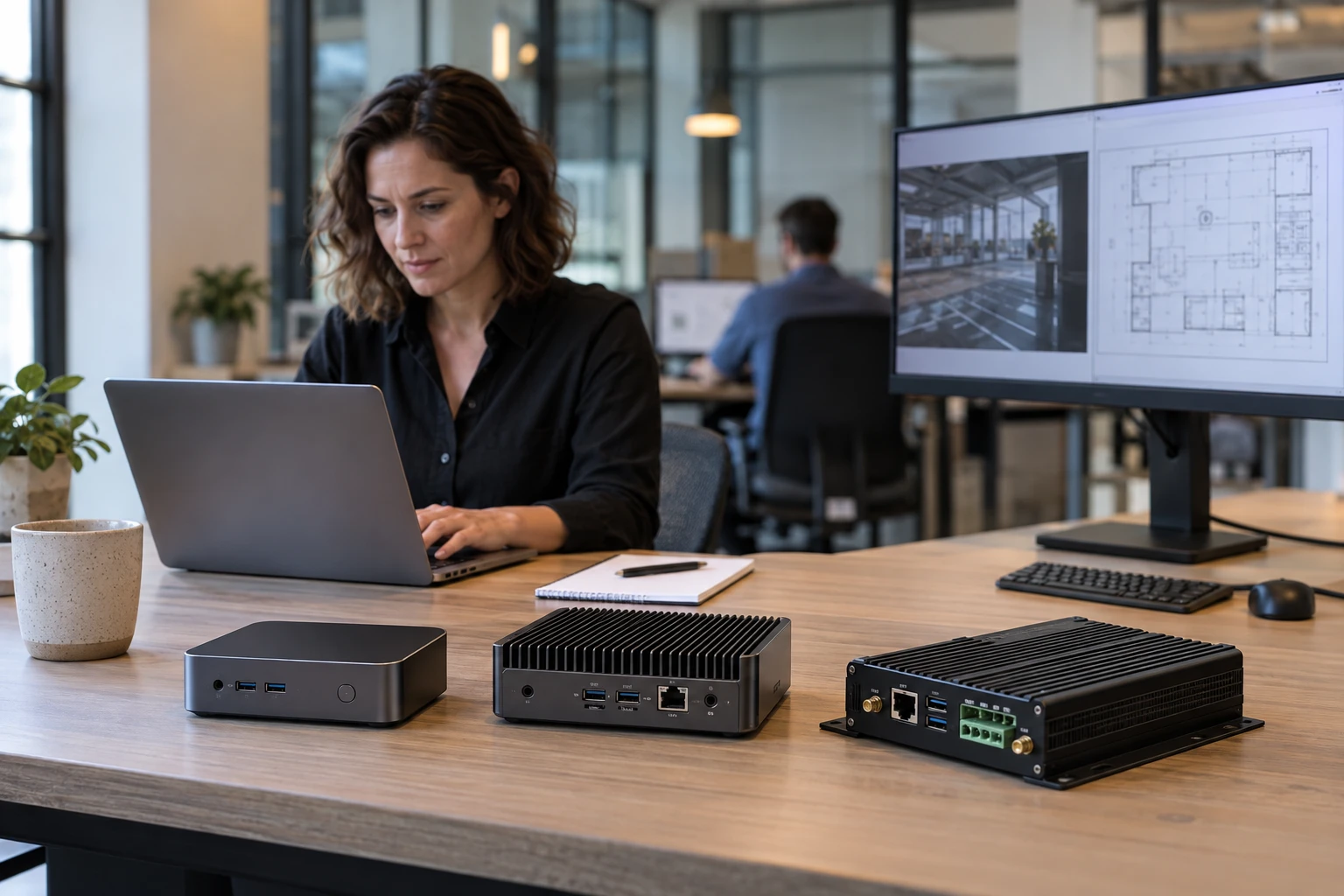
Choosing Android, Windows or Linux is not enough to choose a signage player. Compare the actual device, content workload and support process so an operating-system preference does not hide a poor deployment fit.
The Operating System Is Only Part of the Decision
Android, Windows, and Linux can all power digital signage. Hardware quality, workload, support practices, and software compatibility matter just as much as the operating system.
Android
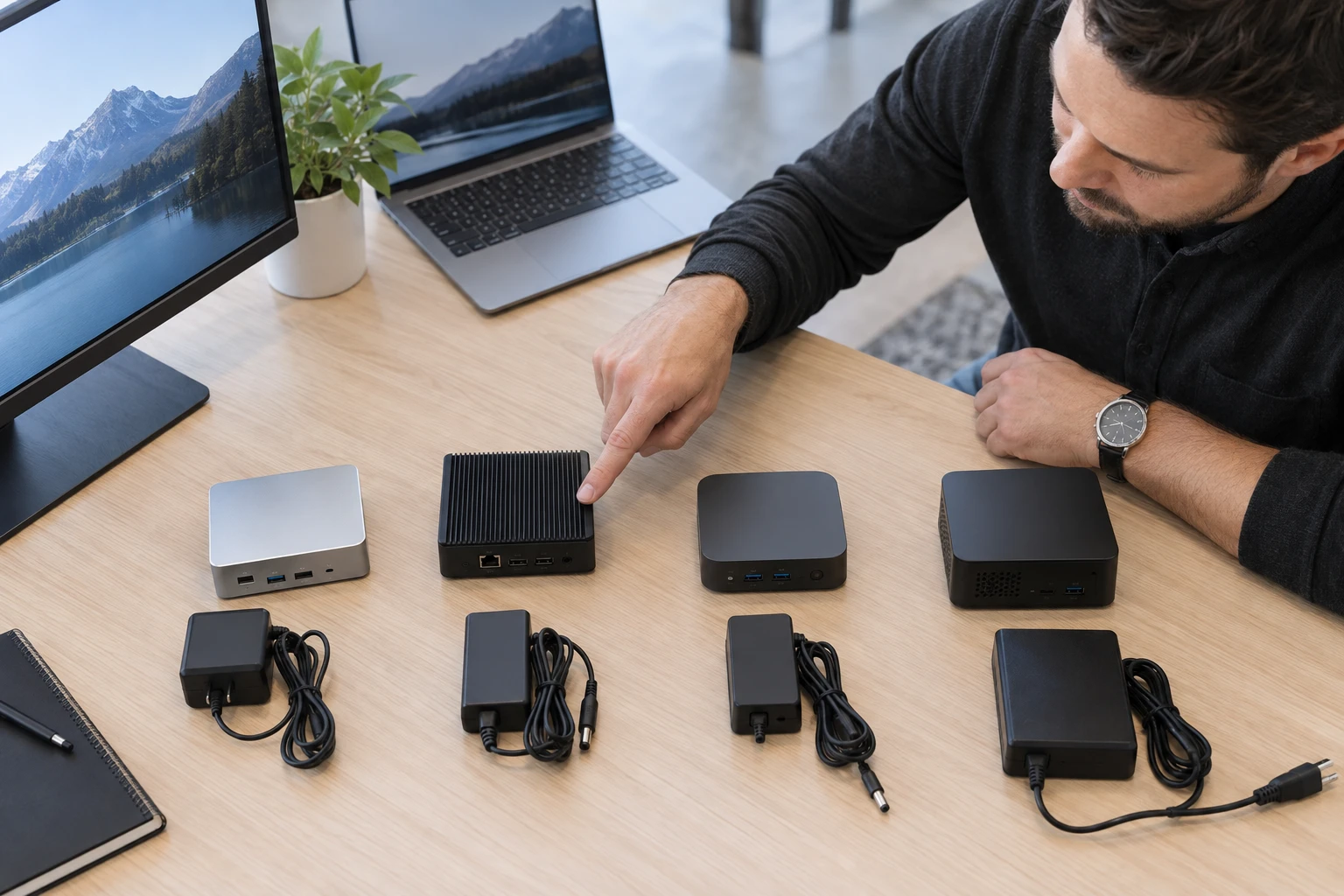
Android offers broad hardware availability, compact form factors, and many price points. It can fit retail, menu boards, fitness, waiting rooms, corporate communications, and standardized rollouts. Device quality varies widely, so commercial deployments should evaluate the actual hardware.
Windows
Windows can be a strong fit for demanding content, custom applications, advanced web experiences, specialized peripherals, and organizations already managing Windows endpoints. A PC-class player can provide substantial processing capability, but simple signage may not need it.
Linux
Linux can be lightweight and highly configurable. It can fit dedicated appliances, embedded systems, standardized networks, and providers with Linux expertise. Flexibility is useful only when the organization can deploy and support the environment reliably.
Cost
Android often has lower entry hardware prices, while Windows devices may cost more. Linux varies. Total cost should include installation, configuration, failures, remote management, service calls, and replacement rather than only purchase price.
Performance and 4K
No operating system automatically has the best performance. Select hardware for the workload. All three can support 4K when the device, GPU, codecs, outputs, and signage software fit the requirement.
Deployment and Support
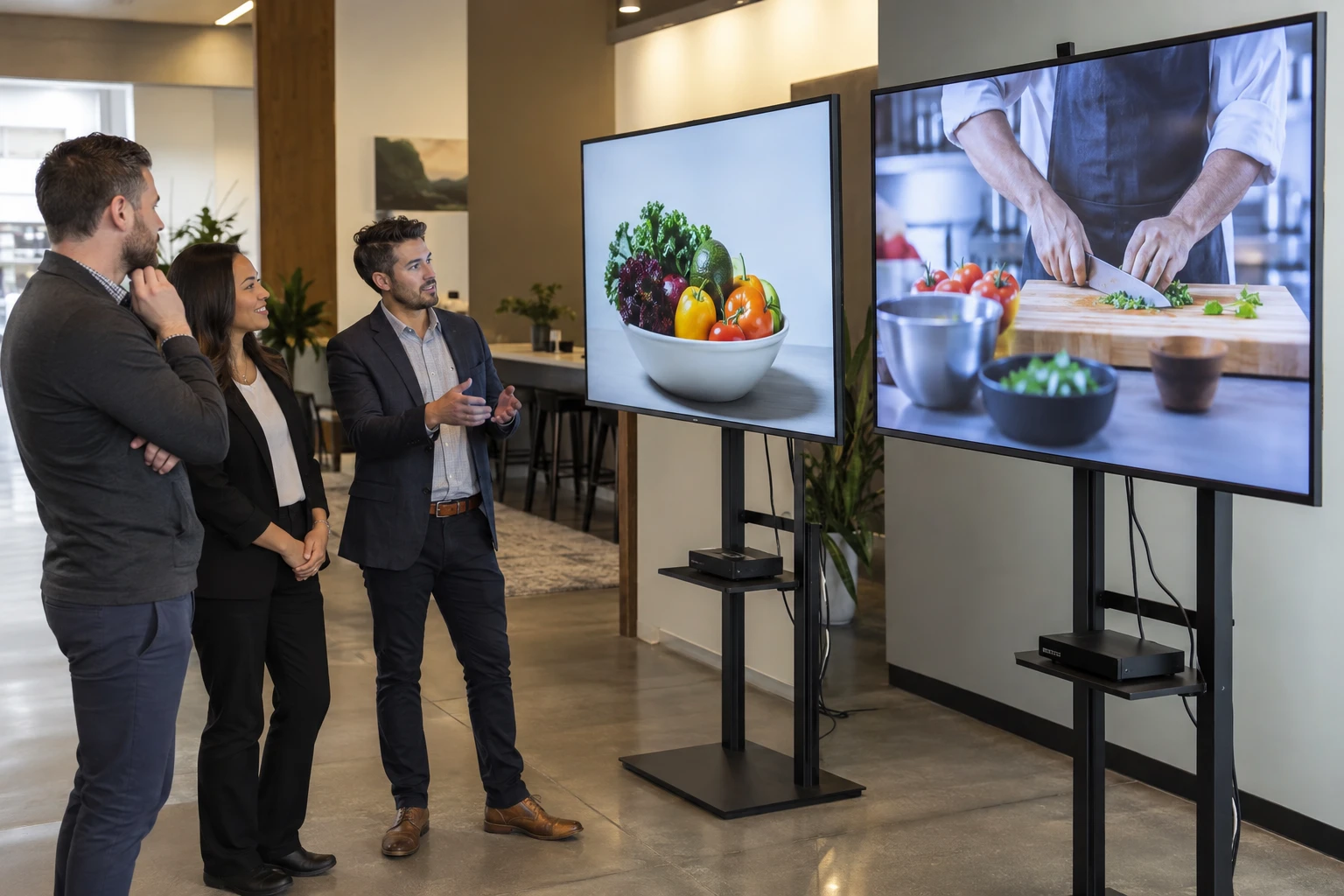
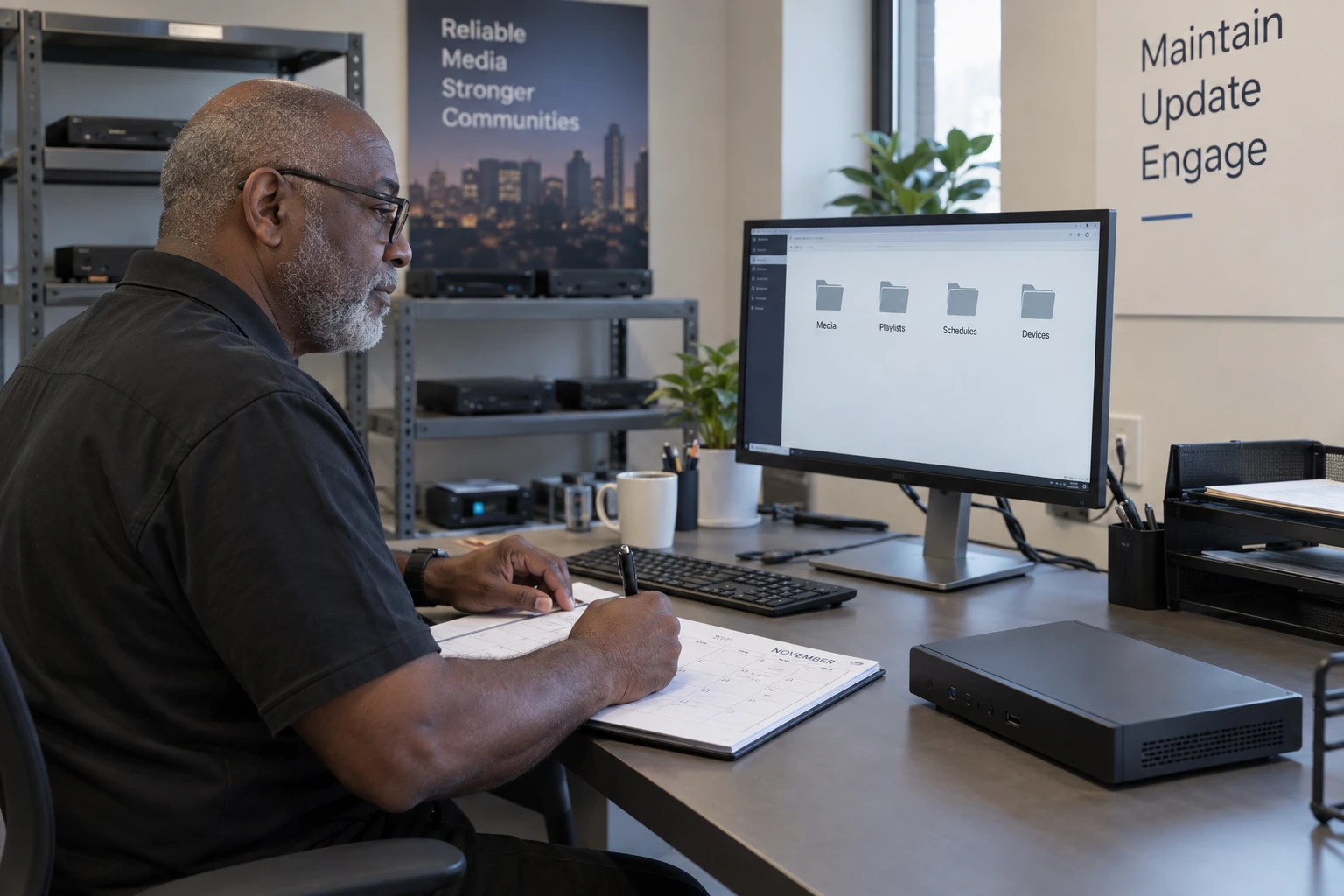
The easiest platform is often the one the provider already knows how to provision, monitor, and recover. A standardized Android image, managed Windows environment, or automated Linux deployment can each be efficient in the right organization.
Updates and Lifecycle
Plan for operating-system patches, player application updates, firmware changes, and end-of-support dates. Digital signage devices may stay installed for years.
System-on-Chip Alternatives
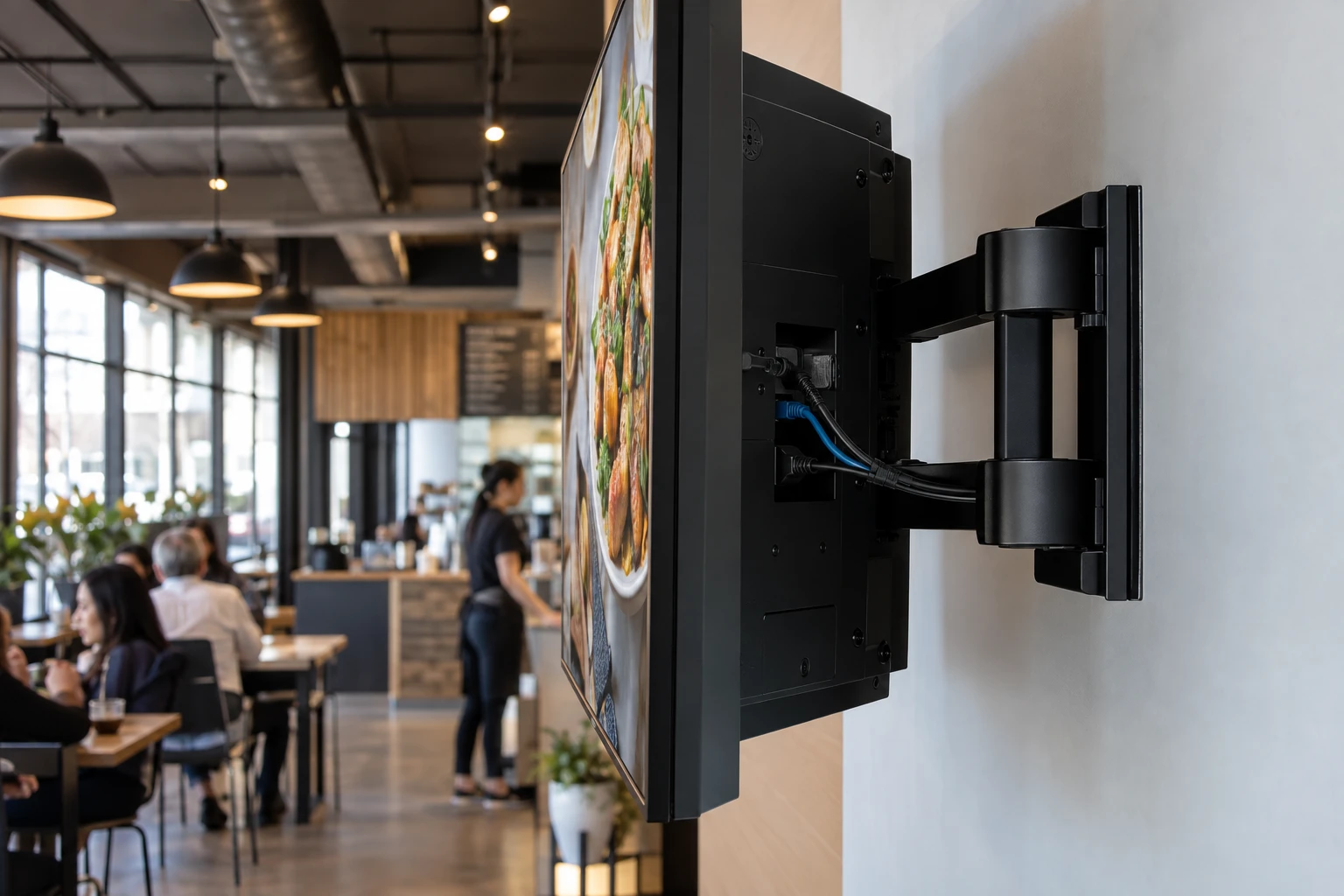
Supported Tizen and webOS commercial displays can remove the external player from some projects. This reduces physical components but ties the processing environment more closely to the display.
Standardize Without Losing Choice
A reseller can define preferred Android, Windows, Linux, or integrated-display configurations while retaining alternatives for special projects.
Keep the broader software-selection guide in view.
Read how hardware flexibility supports qualified alternatives.
Zoney Hardware Flexibility
Zoney supports multiple compatible environments including Android, Windows, Linux, Raspberry Pi, WebOS, Tizen, Apple TV and Amazon Digital Signage Stick. The software can remain consistent while the hardware changes by project; confirm the actual models and versions with Zoney. Schedule a call with Zoney to discuss a player strategy.