

Choosing digital signage software is not only a feature comparison. The platform becomes part of how screens are deployed, managed, supported, and sold. For resellers and integrators, the decision also affects customer separation, hardware strategy, recurring services, and the amount of internal work required as the network grows.
Start With How You Plan to Use the Platform
The best digital signage software for one company may be a poor fit for another. A retailer managing its own screens has different requirements from an AV integrator supporting dozens of unrelated customers. Begin with the operating model: who owns the customer relationship, who manages content, how many locations are involved, and whether the network is expected to grow. For resellers and integrators, the platform must support the business behind the screens, not only content playback.
Evaluate the Digital Signage CMS
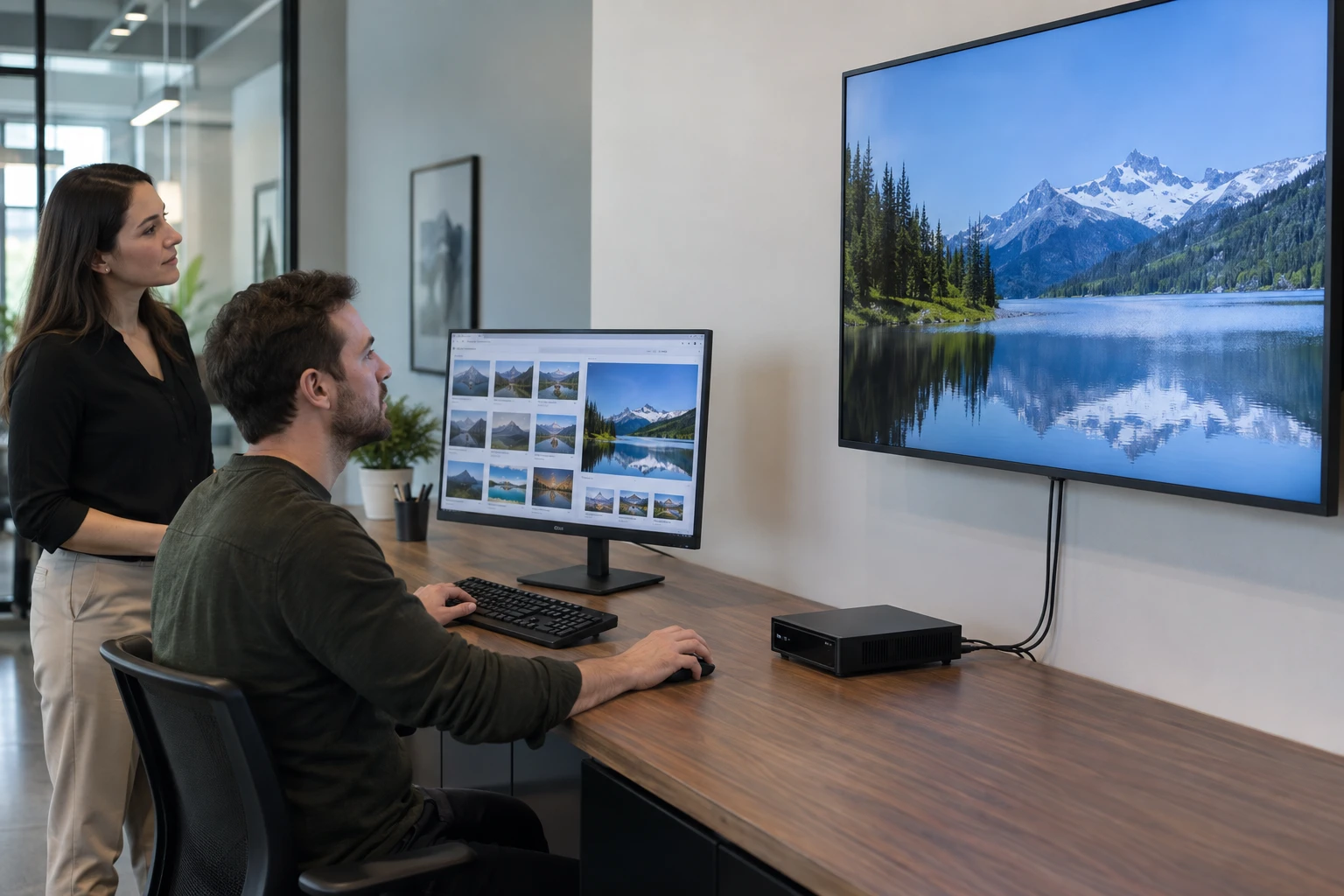
The CMS is the working center of the system. Look at uploads, playlists, scheduling, layouts, screen organization, applications, remote administration, and the way users move between customers and locations. A feature list can look impressive while daily administration remains cumbersome. Test the workflows your staff and customers will use repeatedly.
Look Beyond Content Management
A serious signage platform also has to handle users, devices, customer separation, locations, permissions, remote management, player communication, and ongoing software changes. Providers planning to sell signage as a recurring service should evaluate these operational capabilities alongside creative tools.
Hardware Compatibility Changes Your Options
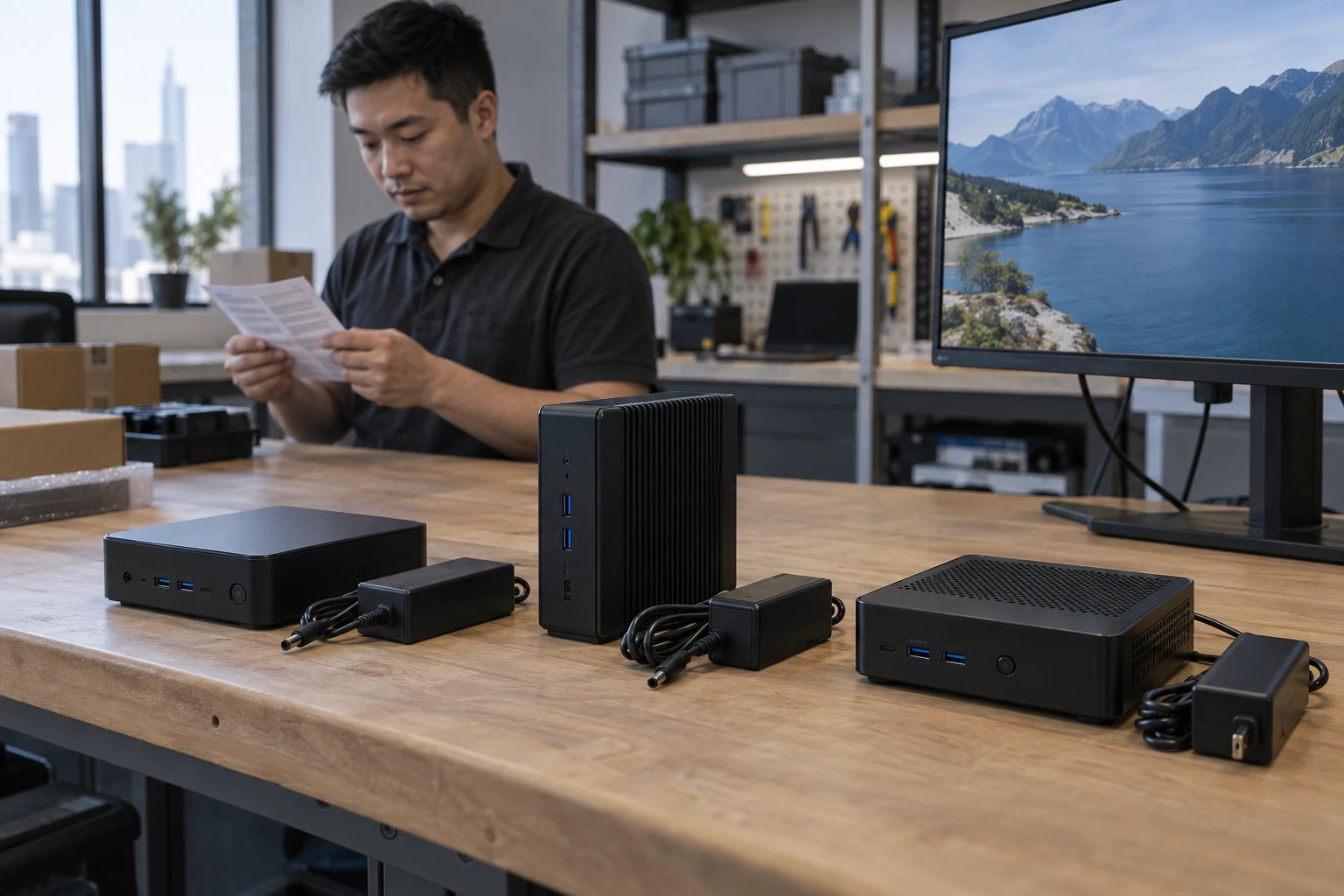
Some platforms dictate a narrow hardware path. Others support multiple compatible player environments. Hardware flexibility can help an integrator reuse existing customer equipment, choose hardware for the project, respond to supply changes, and create preferred player standards. Compatibility should be verified for the actual devices being proposed.
Cloud or On-Premise
Cloud-managed signage can reduce the infrastructure a reseller must operate and can make remote administration easier across geographically distributed customers. On-premise systems can still fit organizations with specific internal requirements. The choice should follow the customer's IT model and the provider's service model.
Multi-Customer and Multi-Location Management
If you plan to manage unrelated customers, ask how the platform separates them. Then look one level deeper: can each customer have multiple locations, users, devices, and access rules? Imagine the system with ten times your current customer count. The structure should still make sense.

User Permissions and Access
A corporate marketing user, local manager, reseller administrator, technician, and outside agency should not automatically receive the same access. Granular permissions help align software access with real responsibilities and reduce accidental changes.
Security and Infrastructure
Ask where the platform is hosted, how customer access is separated, how devices are authorized, how software is maintained, and what responsibilities remain with the reseller and customer. Zoney uses AWS-hosted cloud infrastructure. Hosting is one layer of a larger security model that also includes platform controls, devices, networks, and user practices.
Media Player Strategy
The media player turns CMS instructions into content on the screen. Player choices affect performance, support, installation, replacement, and hardware cost. Match the player to the workload rather than choosing only by price.
Compare player operating systems before standardizing hardware.
Scalability and Long-Term Cost
Look past the first installation. Consider what happens at 50, 500, or 5,000 screens. Include software fees, hardware, service calls, administration, training, replacement, and staff time in the cost model. A low entry price can become expensive if the platform creates manual work.

Vendor or Technology Partner
A company selling signage needs more than a software login. Evaluate whether the provider fits the way you intend to sell, support, and grow the service. The relationship should support your customer model, hardware strategy, and recurring revenue plans.
For brand-specific questions, use the Zoney-specific partner evaluation.
For the practical process, take a practical question worksheet into the evaluation.
Build Software Only When That Is the Business You Want
Building a CMS also means building player software, cloud infrastructure, permissions, customer separation, security processes, device support, testing, and ongoing product development. For many integrators, the stronger use of resources is selling and servicing signage while an established technology partner maintains the platform.
Zoney Enterprise
Zoney Enterprise is built for businesses offering digital signage to customers. It combines cloud management, granular users, security-token capabilities, dynamic monthly billing, hardware flexibility, AWS-hosted infrastructure, and support for multiple compatible player environments. Providers can evaluate compatible existing hardware or preferred devices; confirm models and versions with Zoney. Schedule a call with Zoney to discuss the platform requirements for your signage business.