

A digital signage CMS connects the work of preparing content with the screens that play it. For a reseller or integrator, understanding that connection helps separate content tasks from player, access and customer-management requirements.
What Is a Digital Signage CMS?
A digital signage CMS is the software used to organize content, schedules, screens, users, and other parts of a signage network. In a common cloud setup, administrators work in the CMS, media players receive the assigned content and instructions, and displays present the result.
The Three Main Components
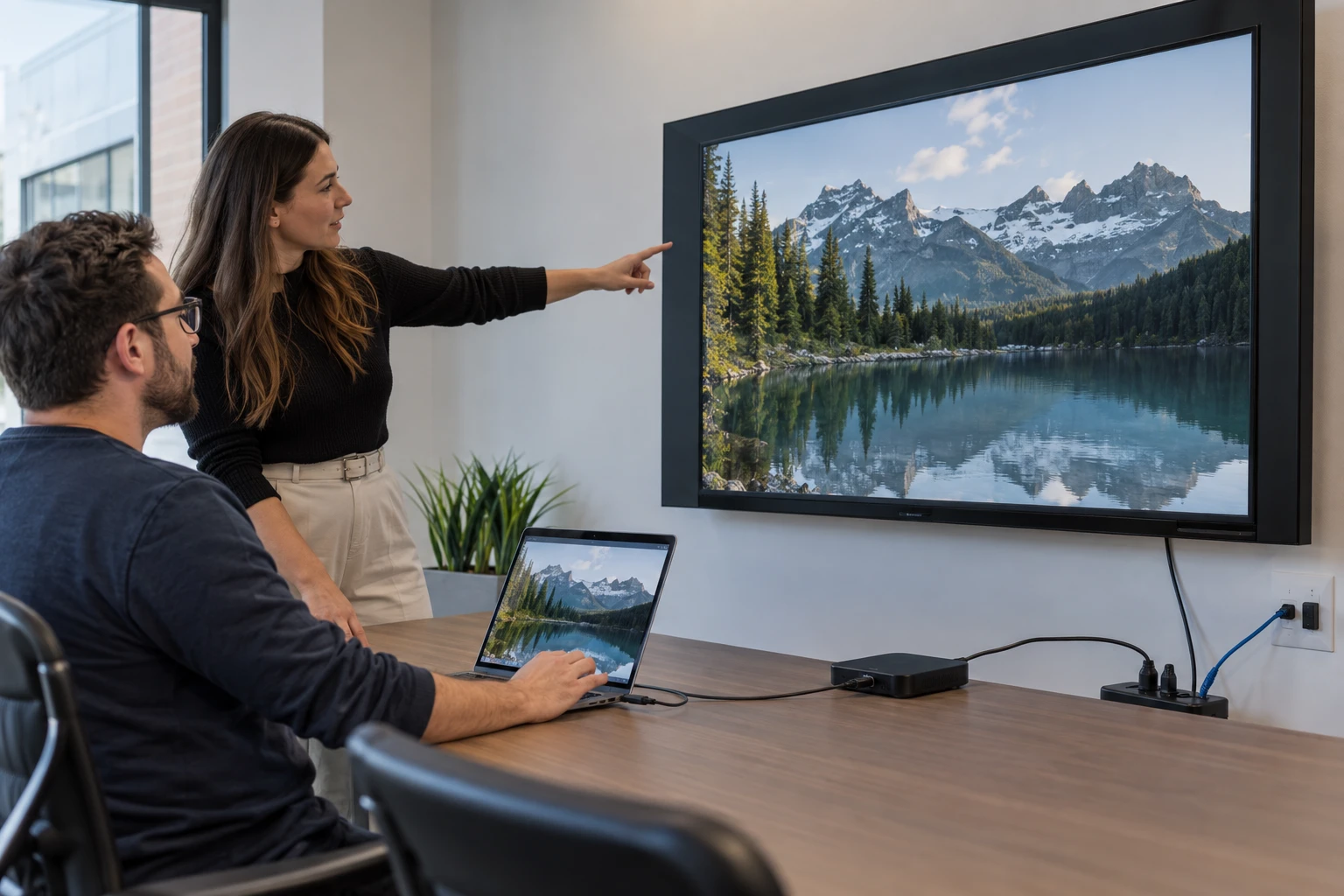
A typical deployment has three core pieces: the CMS, the media player, and the display. The CMS controls the experience, the player handles playback, and the display presents the content. Some commercial displays include built-in processing, which can remove the need for a separate external player.
Core CMS Workflows
Common CMS functions include uploading images and videos, creating playlists, setting schedules, organizing screens, building layouts, and adding supported applications or data sources. The quality of the workflow matters as much as the length of the feature list.
For procurement criteria, see the reseller feature evaluation.

Why Cloud CMS Platforms Are Common
Cloud management lets authorized users administer signage without operating the central server environment themselves. For resellers with customers in many cities, this can support remote content changes and account administration from one system.
Reseller Requirements Are Different
A single company may only need departments and locations. A reseller needs separate customer organizations. Each customer may then have its own locations, users, devices, content, and permissions. That structure is central to operating signage as a service.
Customer Separation
Customer A should not see Customer B's screens, content, or users. The provider may need authorized access across both. Evaluate how the CMS represents these relationships rather than relying on naming tricks or external spreadsheets.

User Permissions
Different users need different rights. A reseller administrator, support employee, corporate marketing manager, regional manager, and local manager should be able to receive access that matches their role.

Hardware and Player Support
The CMS is only one part of the platform. Ask which media-player environments are supported and how devices are provisioned and managed. Broad compatible hardware support can give integrators more freedom when designing projects.
Remote Management and Support
The more screens a provider manages, the more expensive unnecessary site visits become. A CMS should support remote administration and useful device visibility so common changes and many support tasks can be handled without dispatching a technician.
The CMS as Service Infrastructure
For a reseller, the CMS becomes part of the operating system of the signage business. It affects onboarding, customer access, content services, support, hardware strategy, and recurring revenue. Choose it with the future customer base in mind.
Use the software-selection guide to compare the wider platform.
Zoney Enterprise
Zoney Enterprise combines cloud management with granular users, security-token capabilities, hardware flexibility, dynamic monthly billing, AWS-hosted infrastructure, and support for multiple compatible player environments. Schedule a call with Zoney to discuss a CMS structure for a reseller or integration business.