
Service examples describe possible reseller offerings, not services supplied by Zoney. Program rights, fees and support responsibilities depend on the agreed terms.
Adding a new product line often means learning a new market and finding new customers. Digital signage can be different.
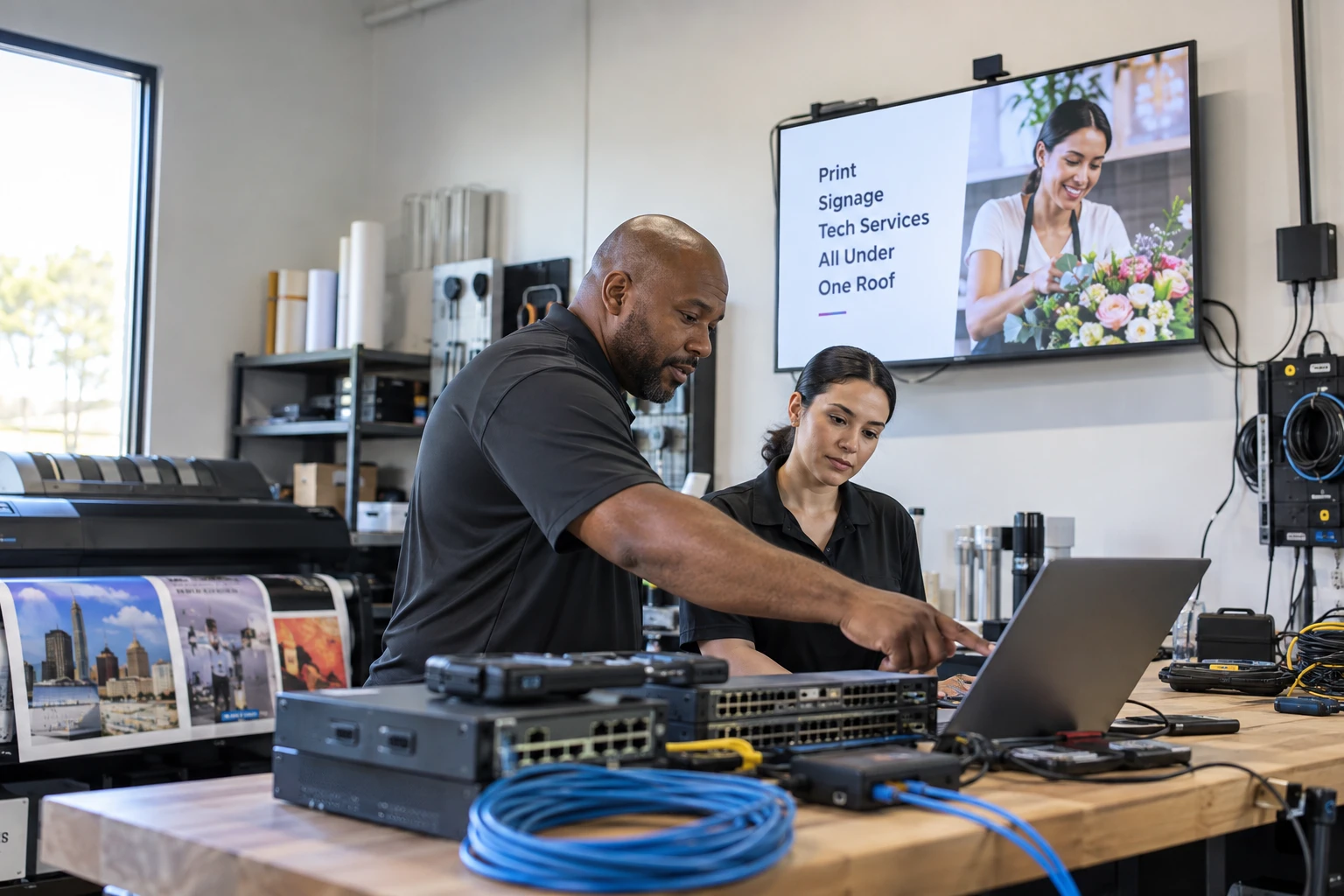
AV integrators, MSPs, IT providers, sign companies, POS dealers, marketing agencies, and other technology businesses may already have customers that need digital displays.
Why Digital Signage Can Be a Natural Add-On
An AV company already works with displays. An MSP manages connected devices. A sign company helps businesses communicate visually. A POS provider serves restaurants and retailers. A marketing agency creates promotional content.
Digital signage connects those capabilities through remotely managed screens.
Start With Existing Customers
Look for TVs showing static content, USB-updated displays, printed posters, static menu boards, employee bulletin boards, lobby TVs, reception areas, waiting rooms, dashboards, product displays, multi-location businesses, and promotional signage.

Look for Manual Processes
Printed menu changes, handwritten goals, break-room notices, waiting-room posters, and shipped promotional signs can all point to digital signage opportunities.
Digital Signage for AV Integrators
AV integrators can add signage software to lobby screens, video walls, employee communications, directories, retail displays, hospitality systems, and menu boards.
This extends the relationship beyond physical installation into software and services.
For the AV delivery detail, develop an AV-specific signage offering.
Digital Signage for MSPs and IT Providers
Media players are connected endpoints with cloud software, accounts, permissions, configuration, and remote management.
MSPs can provide software, deployment, network configuration, device management, user administration, monitoring, and support.
For the managed-service approach, plan an MSP-managed signage service.
Digital Signage for Sign Companies
Traditional sign companies already sell building signs, menu boards, directories, window graphics, posters, and interior signage.
Digital signage adds content that can change remotely and can extend the relationship beyond fabrication and installation.

Digital Signage for POS Dealers
Restaurants and retail customers are natural markets for menu boards, promotional screens, daypart menus, limited-time offers, product promotions, window displays, and in-store advertising.
Digital Signage for Marketing Agencies
Agencies can add in-store promotions, brand campaigns, product launches, event content, social feeds, customer education, and seasonal campaigns to their existing creative services.
Digital Signage for Low-Voltage and Security Companies
Structured cabling, access control, surveillance, networking, audio, and commercial displays create natural installation adjacency.
Choose a Narrow Starting Market
Start with customers and applications you already understand rather than trying to sell every possible digital signage use case.
Once you select an adjacent opportunity, plan the reseller route.
Build Solutions Instead of Selling Software Licenses
Package the technology around recognizable needs such as an employee communication system, menu board package, or managed retail promotion system.
Create Two or Three Starter Packages
A starter system might include one screen, player, software, setup, and training. A multi-screen package can add centralized management and installation. A managed package can add monitoring, account management, and content updates.
Decide What Hardware You Will Provide
An AV integrator may supply the full hardware stack. An agency may focus on software and content. An MSP may standardize on players while using compatible customer displays.
Hardware Flexibility Can Help With Existing Accounts
Customers may already own compatible equipment. Reusing appropriate hardware can lower the upfront cost of adoption while allowing standardized equipment for new installations.
Determine Who Will Manage Content
The model can be customer-managed, reseller-managed, or shared between corporate, local, and reseller users.
Decide Who Provides Support
Define who handles software questions, player troubleshooting, network issues, onsite service, and escalation before the first customer has a problem.
Train Salespeople to Spot Opportunities
Simple questions such as "How do you update that screen?" or "Who changes these posters?" can reveal opportunities without requiring salespeople to become technical experts.

Train Technical Staff Around a Standard Deployment
Use a repeatable process for network checks, player installation, device registration, account assignment, playback testing, remote access, and documentation.
Create a Live Demo
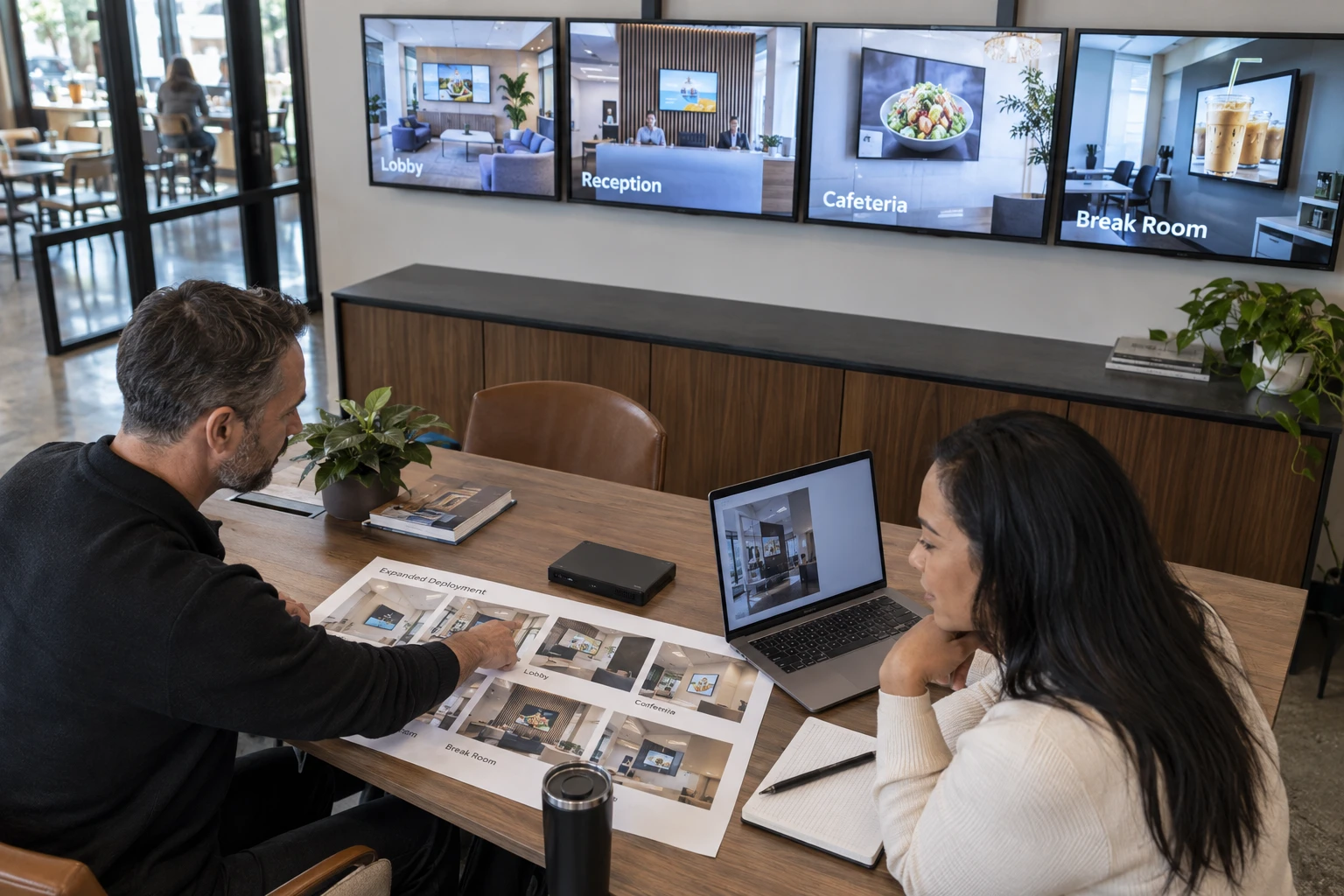
A functioning screen showing applications relevant to your customers can explain the value faster than a brochure.
Add Digital Signage to Existing Proposals
AV display projects, restaurant POS installs, network upgrades, and building signage projects can all include optional digital signage components.
Use Existing Account Reviews
Recurring customer reviews are an opportunity to ask about new locations, lobby displays, employee communications, promotional screens, menu boards, and unmanaged TVs.
Build Recurring Revenue Into the Offering
Software, support, monitoring, content management, graphic design, account administration, and hardware maintenance can extend project-based revenue.
Avoid Building Your Own Platform
Developing a commercial signage platform means maintaining cloud infrastructure, CMS software, player applications, device communication, security, user management, scheduling, compatibility, updates, and support.
For most resellers, a platform partnership lets the company focus on customers and services.
Measure the New Product Line
Track opportunities, proposals, close rate, average project size, screens deployed, recurring software revenue, managed-service revenue, support requirements, and expansion sales.
Expand After You Find What Works
Begin with a narrow application, build a repeatable package, sell it to existing accounts, learn from deployments, and expand from there.
Adding Digital Signage With Zoney
Zoney is designed for businesses providing digital signage to their own customers and supports multi-customer and multi-location use. Granular users/access, security tokens and dynamic monthly billing are enterprise capabilities. The platform uses AWS-hosted cloud infrastructure and follows hardware-flexible positioning. Confirm plan availability and the exact deployment requirements before promising a workflow to a customer.
For many resellers, the fastest route into digital signage may not be finding a new customer. It may be asking a better question of an existing one.
Discuss Your Customer Requirements
Start a free trial to evaluate the platform, or contact the Zoney team to discuss your proposed customer deployment.